

 Sato
Printer troubleshooting · Sato
Sato
Printer troubleshooting · Sato
Sato printer troubleshooting: error messages and fixes by model
Scheduled visits to check, clean and adjust your printers and spot worn parts before they fail.
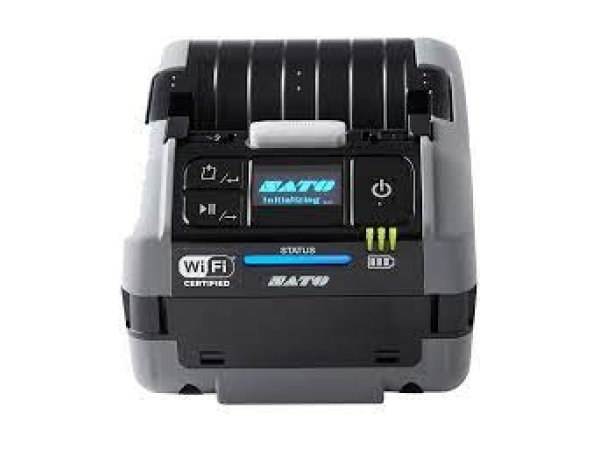
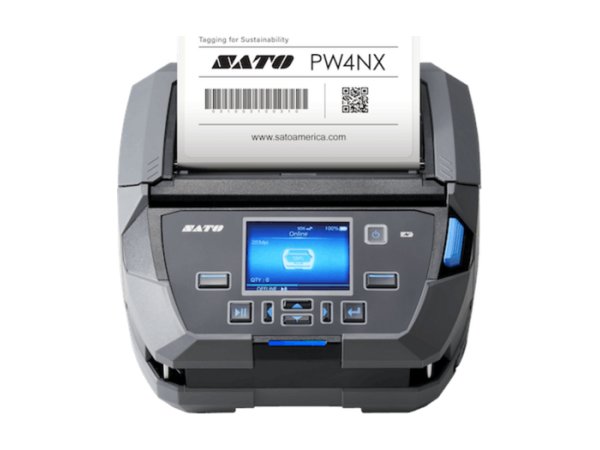
In brief. TIMCOD technicians have documented 258 problems across 8 Sato printers: industrial (CL4NX, CL6NX Plus), desktop (FX3-LX, CT4-LX, WS4), mobile (PW208NX, PW4NX) and wristband (WS2). On models with a display, Sato numbers its errors (Error 1007 head or cover open, 1008 out of paper, 1009 ribbon end, 1012 head error…) and keeps the same numbers from one range to another; the WS models, which have no display, signal the error through the colour and flashing of their lights. Note: these numbers do not mean the same thing on other brands. The most frequent causes remain a cover not properly closed, incorrectly loaded media or ribbon, a sensor that needs adjusting or a printhead that needs cleaning.
Examples:
Sato troubleshooting guides by model
Each guide lists the model's messages and lights, then one entry per fault: cause, steps to follow, and when a technician is needed.
Sato industrial printers 2 models
-
Industrial
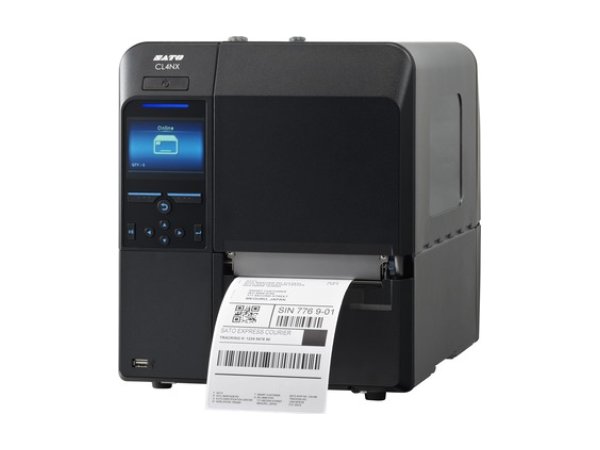
CL4NX
- 1008 Out of Paper
- 1066 Paper Jam
- 1007 Head Open
-
Industrial
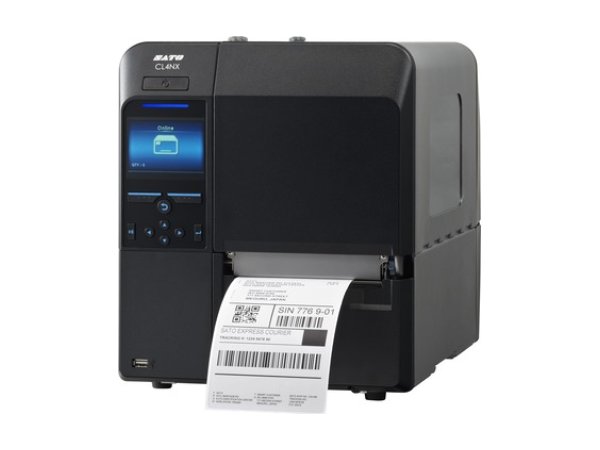
CL6NX Plus
- 1008 Out of Paper
- 1009 Ribbon End
- 1007 Head Open
Sato desktop printers 3 models
-
Desktop
FX3-LX
- Error 1007 (Cover Open)
- Error 1008 (Out of Paper)
- Error 1012 (Head Error)
-
Desktop
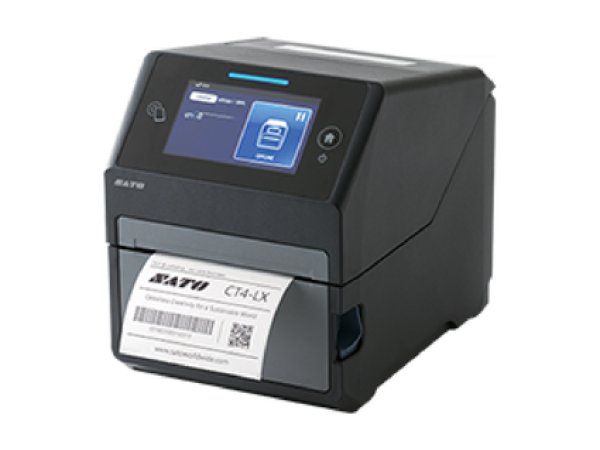
CT4-LX
- 1008 Out of Paper
- 1009 Ribbon End
- 1012 Head Error
-
Desktop
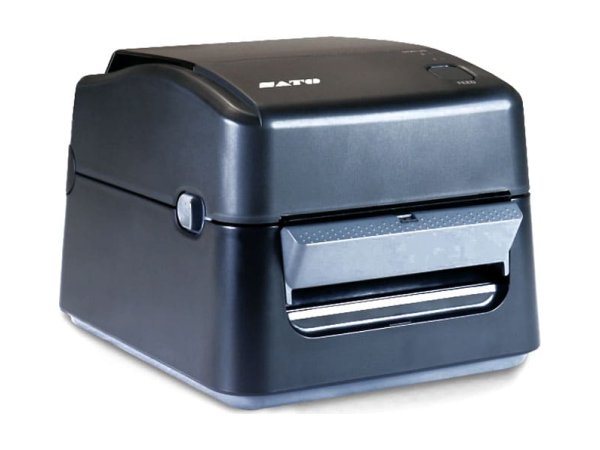
WS4
- Orange lights solid (jam)
- Orange lights flashing (end of media)
- LED 2 red, LED 1 orange (damaged printhead)
Sato mobile printers 2 models
Sato wristband printers 1 model
-
Wristband
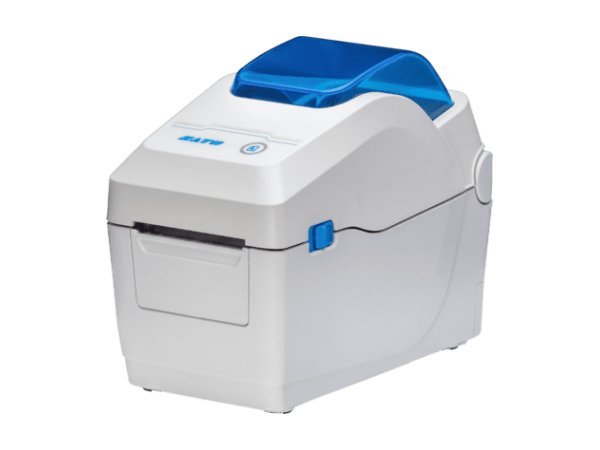
WS2
- Orange lights flashing (end of media)
- Orange lights solid (jam)
- LED 2 red, LED 1 orange (damaged printhead)
Sato error messages: meaning and first action
The messages below appear on several Sato models. The detailed entry for each model gives the exact procedure.
| Message | Meaning | What to do first | Models |
|---|---|---|---|
Error 1008 (Out of Paper) | The sensor no longer sees the media: roll not correctly fed, sensor out of position or dirty, printer not calibrated for these labels. | Reload the roll, reposition the sensor, then calibrate. | |
Error Message 1009 (Ribbon End)1009 Ribbon End, Orange lights, fast flashing (ribbon) | Ribbon incorrectly loaded or not detected, printer not calibrated for this ribbon, or set to thermal transfer with labels that do not use a ribbon. | Reload the ribbon and calibrate, or switch to direct thermal mode. | |
Error 1007 (Cover Open) | Printhead or cover not fully latched, or open sensor dirty or faulty. | Open and close again until it clicks; if the message is still displayed, have the sensor checked. | |
Error 1022 (Head Overheat) | Long print runs, high speed or darkness, hot or poorly ventilated room. | Let it cool down: printing resumes. If the message comes back, reduce the speed or move the printer. | |
Error 1012 (Head Error) | Failed heating elements (vertical white lines) or thermistor fault. | Clean the printhead; if the fault persists, replace it. The thermistor is a job for a technician. | |
Error 1028 (Gap Not Found), error 1035 (I-mark Not Found) | The sensor cannot find the gap, notch or black mark between two labels: wrong detection mode, dirty or badly positioned sensor. | Choose the right detection mode, clean the sensor, run a calibration again. | |
Error 1015 (Cutter Error) | Blade jammed or label stuck in the cutter module. | Switch off and unplug, clear and clean the cutter without touching the blade. | |
Error 1050 (Bluetooth Error)Error 1046 (EAP Authentication Error (EAP Failure)) / Error 1047 (EAP Authentication Error (EAP Timeout)), Error 1075 (NFC Error) / Error 1076 (Invalid command in NFC), Error 1017 (SBPL Command Error) / Error 1021 (BCC Check Error) / Error 1058 (CRC Check Error) | Driver, port or network settings that do not match between the computer and the printer, faulty cable or wireless link. | Check the driver, the port, the cable and the network settings on both sides. | |
Error 1043 (Battery Low), 1061 (Battery Degradation), 1063 (Battery Error) | Battery discharged, worn or charged outside its temperature range. | Recharge within the specified range with an original charger; replace a battery reported as worn. |
Messages as worded in the Sato manuals (“Error Message 10xx”). The displayed text may vary slightly depending on the model and the firmware version.
No message? The most common symptoms on Sato printers
These guides cover one symptom across all brands; the Sato models concerned are shown on each card.
-
Why is my label printer skipping labels or shifting the print?
In most cases, the printer is no longer calibrated for the media loaded: it no longer detects the gap, notch or black mark between two labels. Run a sensor calibration again after every label change, and check that the sensor is clean and correctly positioned.
Read the full guide -
Why does my printer say “paper out” when the labels are loaded?
The sensor cannot see the media: roll not correctly fed under the sensor, sensor out of position or dirty, or printer not calibrated. Reload the roll, reposition the sensor, then calibrate.
Read the full guide -
Why is my thermal printer printing faded labels or unreadable barcodes?
Dirty printhead or platen roller, darkness too low, insufficient printhead pressure or ribbon unsuited to the media. Clean the printhead first, then increase the darkness step by step; if nothing changes, the printhead may be worn.
Read the full guide -
Why are vertical white lines appearing on my labels?
White lines that stay in the same place on every label indicate dirty or failed heating elements. Clean the printhead: if the lines persist, it must be replaced.
Read the full guide -
Why is my printer printing blank labels?
The print mode does not match the media (direct thermal or thermal transfer), the ribbon is loaded with the ink side facing the wrong way, or the thermal roll is loaded the wrong way round. Check these three points before changing the darkness.
Read the full guide -
Why does my printer say “Ribbon Out” when the ribbon is loaded?
The ribbon is incorrectly loaded or not detected, the printer has not been calibrated for this ribbon, or it is set to thermal transfer when your labels do not use a ribbon. Reload the ribbon, calibrate, or switch to direct thermal.
Read the full guide -
Why is my printer ribbon wrinkling or breaking?
Ribbon incorrectly loaded or tensioned, darkness too high, printhead pressure too high or uneven, or ribbon too wide for the labels. Reload the ribbon, then set darkness and pressure to the minimum that gives a good print.
Read the full guide -
Why does my printer say “head open” when it is closed?
The printhead or cover is not fully latched, or the open sensor is dirty or faulty. Open it and close it again until it clicks; if the message is still displayed with the printhead closed, have the sensor checked by a technician.
Read the full guide -
Why does my label printer not respond when I send a print job?
The job does not reach the printer (driver, port, cable, network or Bluetooth pairing), or it arrives in a language the printer does not recognise. Check whether the data light reacts when you send the job: it is the first clue as to which side to investigate.
Read the full guide -
Why is my mobile printer battery not charging?
Battery discharged, worn or charged outside its temperature range. Recharge within the specified range with an original charger; a battery reported as worn must be replaced.
Read the full guide
Three checks before calling a technician
They resolve most of the messages documented on Sato printers.
- Are the media and ribbon loaded correctly?Roll fed under the sensor and against the guide, ribbon fitted the right way round (ink side facing the label) and taut. Most out-of-paper and out-of-ribbon messages come from this.
- Is the printer calibrated for this media?Recalibrate after any change of labels or ribbon, and as soon as the printer skips labels. Each model's own procedure is given in its guide.
- Is the printhead clean?Printhead cooled, cleaned with the product specified by the manufacturer, then the platen roller. A dirty printhead explains most faded print and white lines.
The most common faults on Sato printers
Breakdown of the 258 documented problems by category. Error messages (51) and connection problems (36) top the list.
Maintenance and repair of Sato printers
When a message persists after reloading, calibration and cleaning, or when Sato refers you to a technician, TIMCOD teams take over: phone support, repair, express exchange and preventive maintenance contracts.
Maintenance contract
Preventive maintenance (printer checks, minor fault fixes, detailed report) and corrective maintenance (phone support, repair, express exchange). Essentiel, Confort or Premium plans.
See the contractsRepair request
Sato printer out of order? Give the model and the problem in the repair request form (in French) and our team will get back to you.
Request a repairQuote or out-of-contract service
Printer bought elsewhere, a fleet to bring up to date or a contract to set up: describe what you need and our team will get back to you.
Contact us
Also at TIMCOD (in French)
Sato printers: frequently asked questions
What does error 1008 mean on a Sato printer?
On Sato printers, error 1008 means “Out of Paper”: the printer no longer detects the media. Reload the roll, check the guide and the sensor, then adjust or calibrate the sensor if the message comes back while the roll is loaded. This number does not mean the same thing on Honeywell printers. See the guide for your model.
What does error 1007 mean on a Sato printer?
The printhead or the cover is open (Head Open or Cover Open depending on the model). Close it until it latches; if the message persists, have the printer checked.
What does error 1012 mean on a Sato printer?
It is a printhead error (Head Error). Clean the printhead; if the error persists, the printhead must be checked or replaced.
Does the same error number mean the same thing on all Sato models?
On the Sato models with a display covered by these guides, the documented numbers keep the same meaning (1007, 1008, 1012, 1022…). They do not apply to other brands: for example, 1008 means “LSS too low” on Honeywell printers.
How can I tell which error a Sato WS4 is showing when it has no display?
The WS4 indicates the error through the colour and flashing pattern of its two lights. The lookup table in the WS4 guide links each combination to its cause. See the WS4 table.
How do I clean the printhead on a Sato printer?
Switch the printer off and unplug it, let the printhead cool, then clean it with the cleaning product or pen specified by Sato. Also clean the platen roller and the sensors. The exact frequency and product are given in each model's guide. See the guide for your model.
Sources consulted
The official Sato documents most cited in this brand's guides. Each model guide lists all its documents.
- 1.3 Printer description; 6.1.1 Media problems – WS4 Series operator manual (Sato, French version) (opens in a new window) official
- 1.4.1 Status Lights; 5.2 Media Issues – WS4 Series Printer Operator Manual (Sato, r10) (opens in a new window) official
- 5.2 Media problems; 2.3.2 Installing a media roll; 1.3.2 Rear view – WS2 printer operator manual (Sato, French version) (opens in a new window) official
- Status Lights; SATO WS2 Printer Utility (Printer Status) – WS2 Series Printer Operator Manual (Sato, 2020) (opens in a new window) official
- [Printing] Menu – FX3-LX Operator Manual (opens in a new window) official
- When an error message is displayed – FX3-LX Manuel Utilisateur (French user manual) (opens in a new window) official
- [Tools] Menu – FX3-LX Operator Manual (opens in a new window) official
- [System] Menu – FX3-LX Operator Manual (opens in a new window) official
Need a more reliable Sato printer fleet?
A preventive maintenance visit checks, cleans and adjusts your printers, and spots worn printheads, platen rollers and sensors before they fail.
Explore maintenance contracts Request a quote