

Label printer troubleshooting: find the cause and the fix
Scheduled visits to check, clean and adjust your printers and spot worn parts before they fail.
In brief. Most label printer faults come down to four causes: media or ribbon loaded incorrectly, a sensor that needs recalibrating, a print mode that does not match the labels, or a dirty printhead. TIMCOD technicians have documented 1945 problems on 72 Zebra, Honeywell, Toshiba, Sato, Godex and Brother printers, with the cause and the fix described by each manufacturer. Search for your model or the message displayed, or start from the symptom.
Examples:
Printer troubleshooting by brand
Each brand page brings together the manufacturer's own error messages, its models and the actions common to the whole range.
-
 Zebra
Zebra Zebra printer troubleshooting
ZT and S4M industrial printers, GK, GX and ZD desktop printers, QLn and ZQ mobile printers, ZD510-HC wristband printer and ZC and ZXP card printers.
- ZT230
- ZT410
- ZT421
- ZT420
- ZT411
- S4M
- GK420
- ZD421
- GX420
- QLn420
- ZQ630
- ZQ511
- ZQ610 Plus
- ZQ510
- ZC100 and ZC300
- ZD410
- ZD411
- ZD420
- ZD500R
- ZD510-HC
- ZD611
- ZD620
- ZD621
- ZQ310 Plus
- ZQ320 Plus
- ZQ620 Plus
- ZT231
- ZT510
- ZT610 and ZT620
- ZXP Series 7
-
 Honeywell
 Honeywell printer troubleshooting
PM, PD, PX and PF industrial printers (including former Intermec models), MP Compact4 Mark III and MP Nova (formerly Datamax-O'Neil), PC desktop printers and RP mobile printers. Honeywell's printer business is now part of Brady.
- PM43
- PF4i
- PX6i
- MP Compact4 Mark III
- MP Nova
- PC23d
- PC42
- PC43
- PD43
- PD45S
- PM23c
- PM45 and PM45c
- PX45 and PX65
- PX940
- RP2 and RP4
-
 Toshiba
 Toshiba printer troubleshooting
B-EX4T1, B-EX6 and B-852 (wide format) industrial printers.
All Toshiba troubleshooting guides -
 Sato
Sato Sato printer troubleshooting
CL4NX and CL6NX Plus industrial printers, FX3-LX, CT4-LX and WS4 desktop printers, WS2 wristband printer, PW208NX and PW4NX mobile printers.
All Sato troubleshooting guides -
 Godex
Godex Godex printer troubleshooting
EZ6250i, ZX400, ZX1000i and HD830i industrial printers, G500, GE300, DT200, RT200, RT700 and RT863i desktop printers, and MX20 mobile printer.
All Godex troubleshooting guides -
 Brother
 Brother printer troubleshooting
TD-4 and TD-2 desktop printers, TJ-4420TN industrial printer, RJ-4250WB and PocketJet PJ-8 (A4 paper) mobile printers.
All Brother troubleshooting guides
Troubleshooting guides by model
One guide per printer: a table of messages and lights, then one entry per fault with the cause, the steps and when a technician is needed. In each group, the models TIMCOD technicians work on most come first, followed by the other printers in the TIMCOD catalogue.
Industrial printers 30 models
High volumes, workshops and warehouses, thermal transfer or direct thermal.
-
Industrial
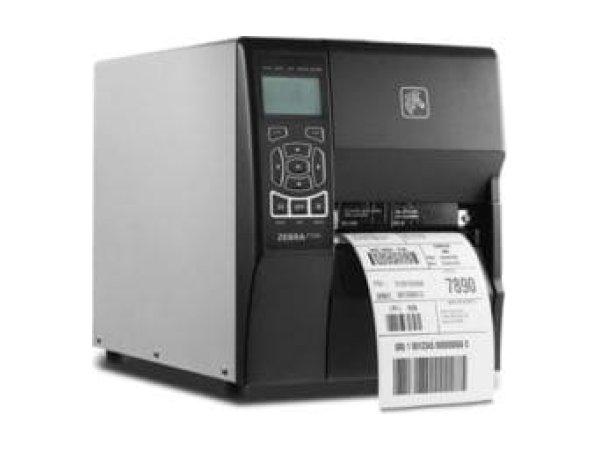
Zebra ZT230
- Head Open
- Media Out
- Ribbon Out
-
Industrial
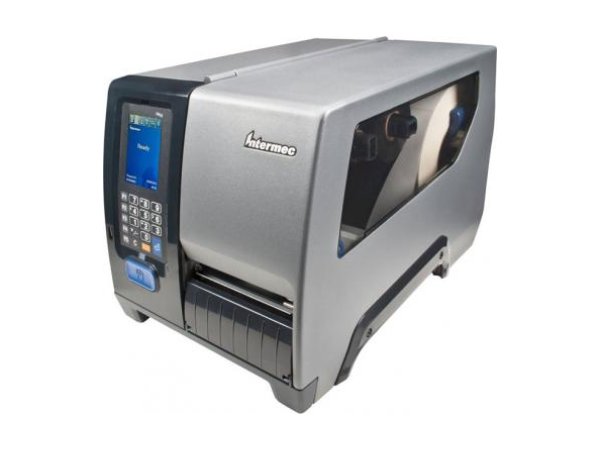
Honeywell PM43
- Red Media icon
- Red Printhead Lifted icon
- Red Ribbon icon
-
Industrial
Honeywell PF4i
- Error 1005 (Out of paper)
- Error 1027 (Out of ribbon)
- Error 1031 (Next label not found)
-
Industrial
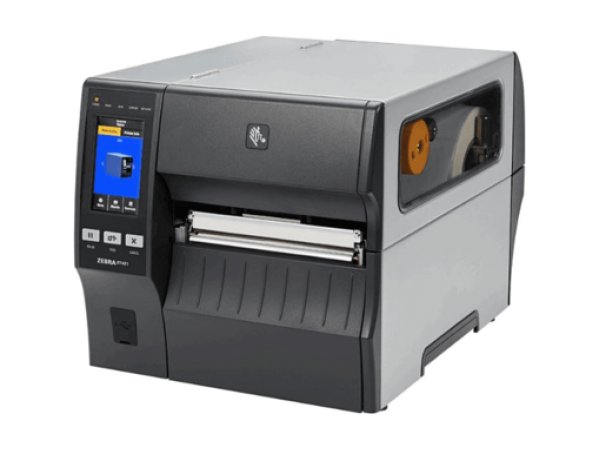
Zebra ZT410
- Media Out
- Ribbon Out
- Head Open
-
Industrial
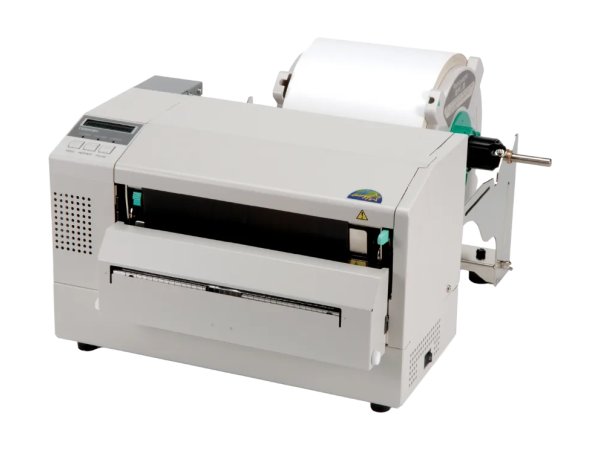
Toshiba B-852
- HEAD OPEN
- NO PAPER
- RIBBON ERROR
-
Industrial
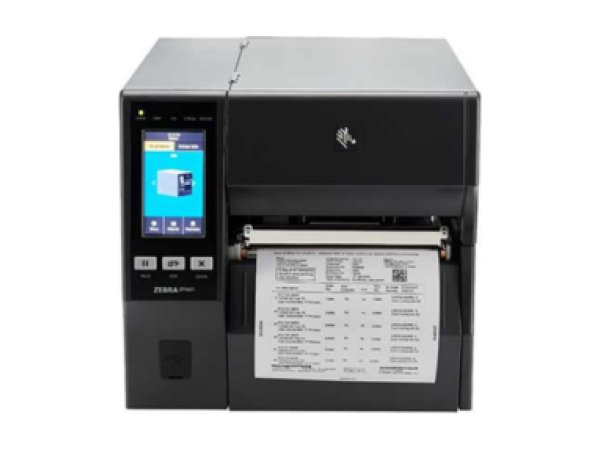
Zebra ZT421
- Media Out
- Ribbon Out
- Head Open
-
Industrial
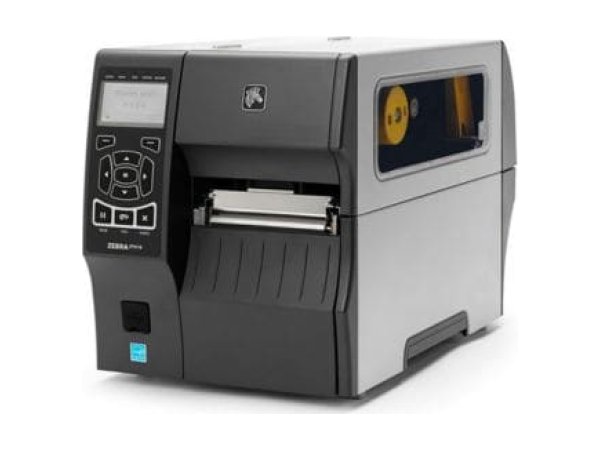
Zebra ZT420
- MEDIA OUT
- ALERT RIBBON OUT
- HEAD OPEN
-
Industrial
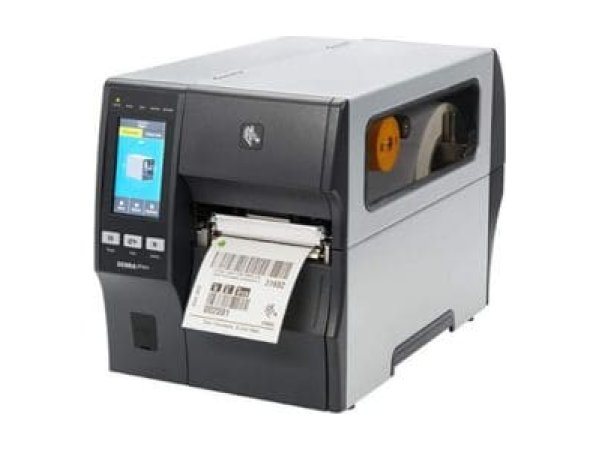
Zebra ZT411
- Media Out
- Ribbon Out
- Head Open
-
Industrial
Honeywell PX6i
- 1005 Out of paper
- 1027 Out of transfer ribbon
- 1022 Head lifted
-
Industrial
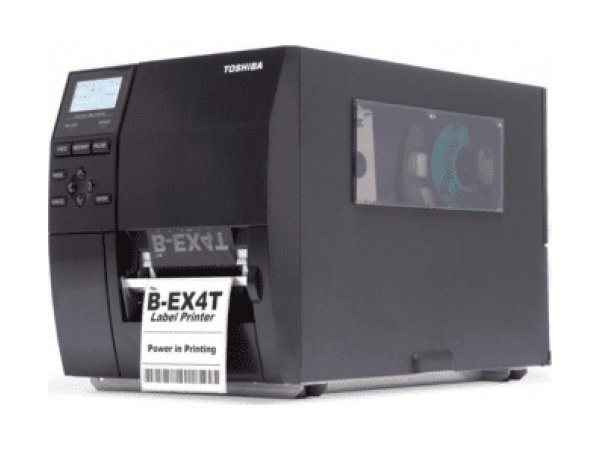
Toshiba B-EX4T1
- HEAD OPEN
- NO PAPER
- RIBBON ERROR
-
Industrial
Zebra S4M
- ALERT light flashing
- Skipped labels
- ADVANCED SETUP
-
Industrial
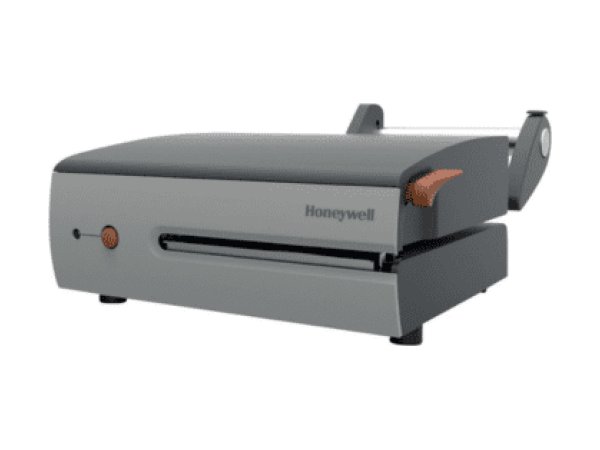
Honeywell MP Compact4 Mark III
- Solid red light
- Flashing red light
- Orange light
-
Industrial
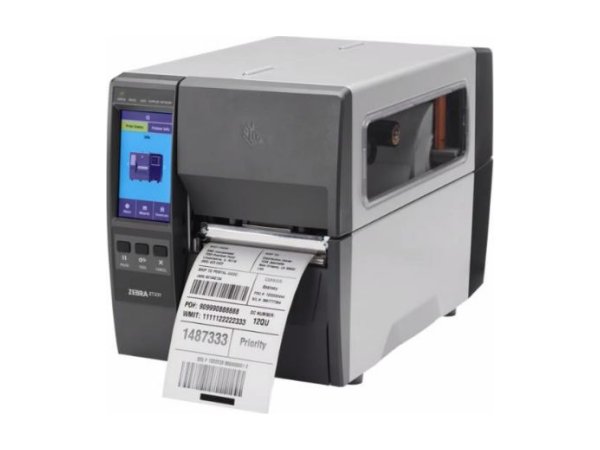
Zebra ZT231
- Media Out
- Ribbon Out
- Head Open
-
Industrial
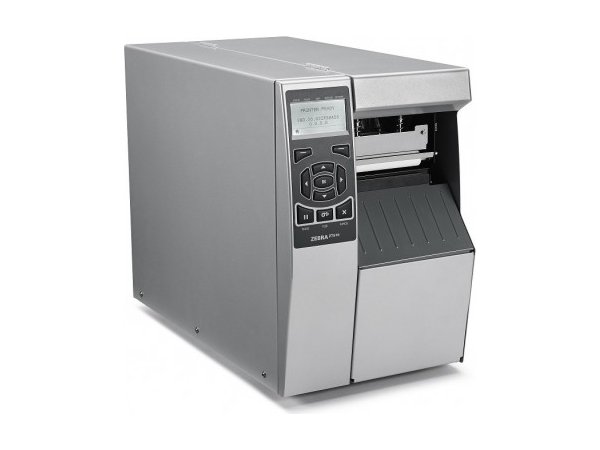
Zebra ZT510
- MEDIA OUT
- RIBBON OUT
- Head open
-
Industrial
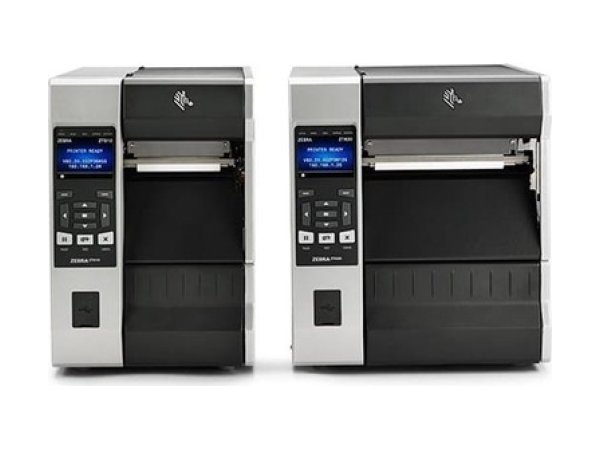
Zebra ZT610 and ZT620
- Media Out
- Ribbon Out
- Head Open
-
Industrial
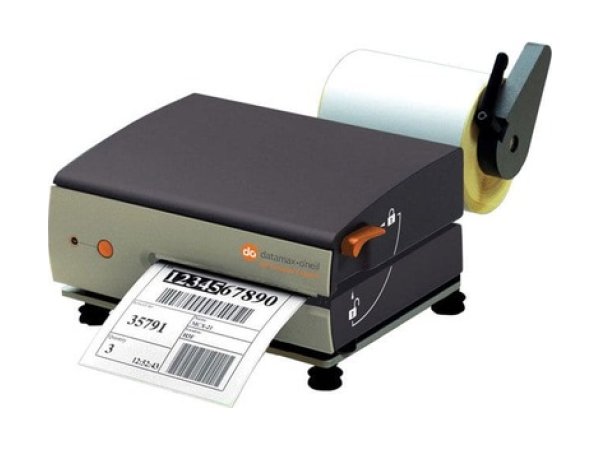
Honeywell MP Nova
- Flashing red light
- Solid red light
- FAILED CALIBRATION
-
Industrial
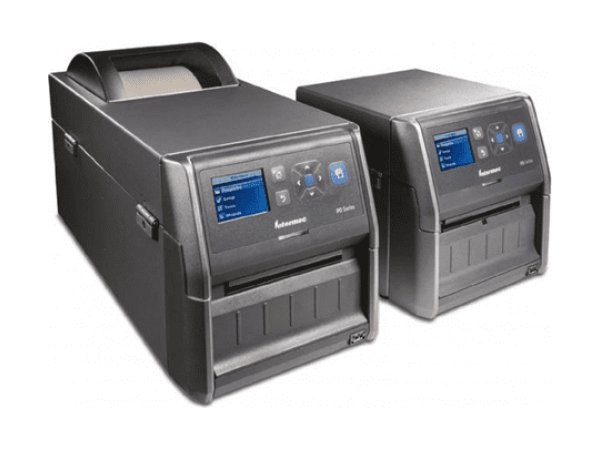
Honeywell PD43
- Media error icon
- Print mechanism open
- Ready-to-Work light flashing
-
Industrial
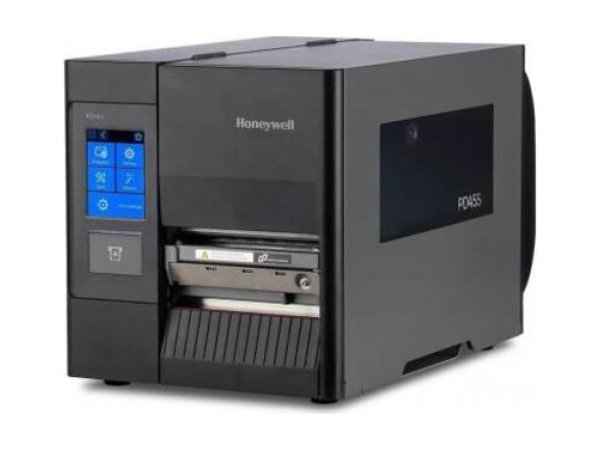
Honeywell PD45S
- Printhead Lifted
- Out of Media
- Ribbon Installed
-
Industrial
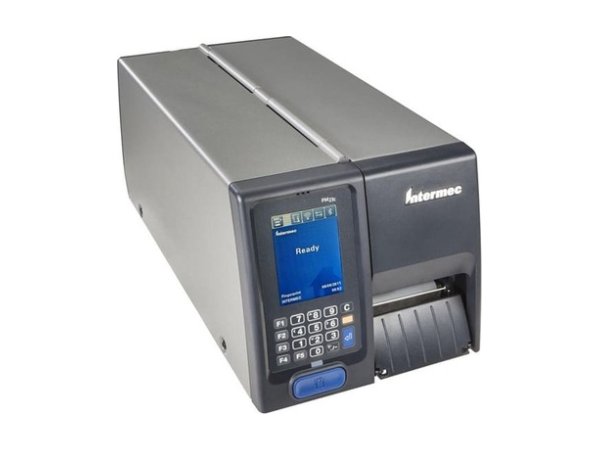
Honeywell PM23c
- Red Media icon
- Red Printhead Lifted icon
- Amber Maintenance icon
-
Industrial
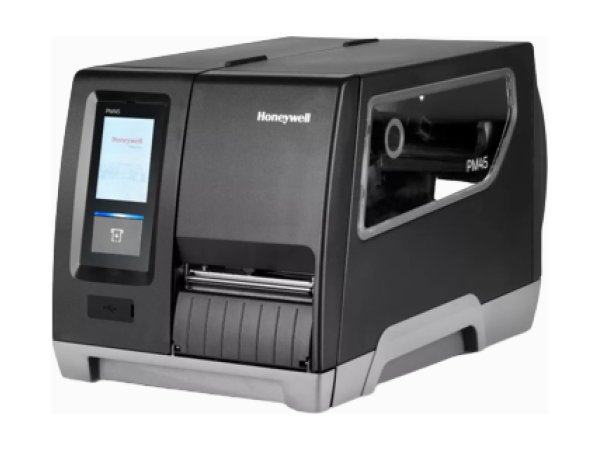
Honeywell PM45 and PM45c
- Red Media icon
- Red Ribbon icon
- Printhead Lifted
-
Industrial
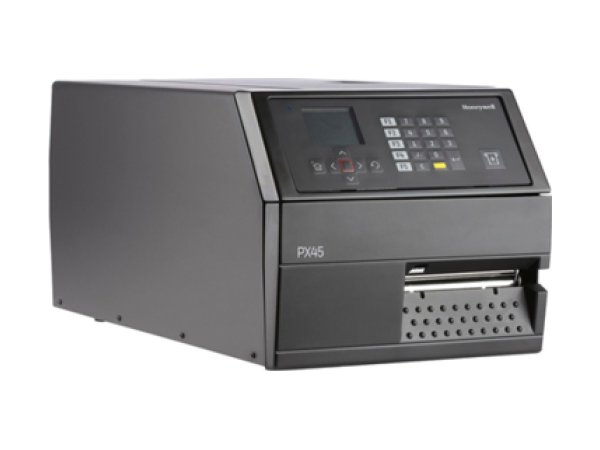
Honeywell PX45 and PX65
- Cutter Jammed
- Wait for signal
- ENODATAREADY
-
Industrial
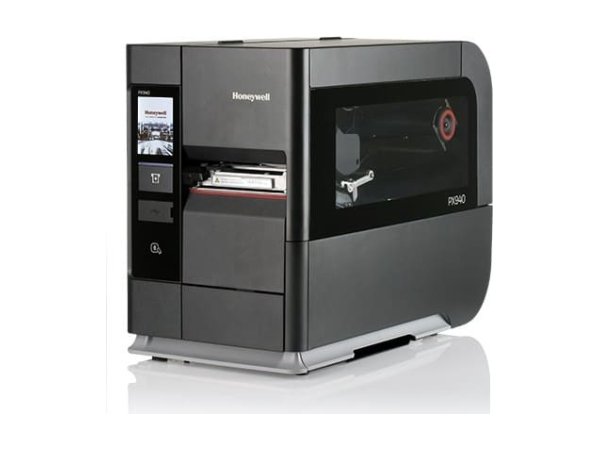
Honeywell PX940
- Label voided and reprinted
- APPLICATOR PORT: Wait for signal
- Calibration failure (narrow labels)
-
Industrial
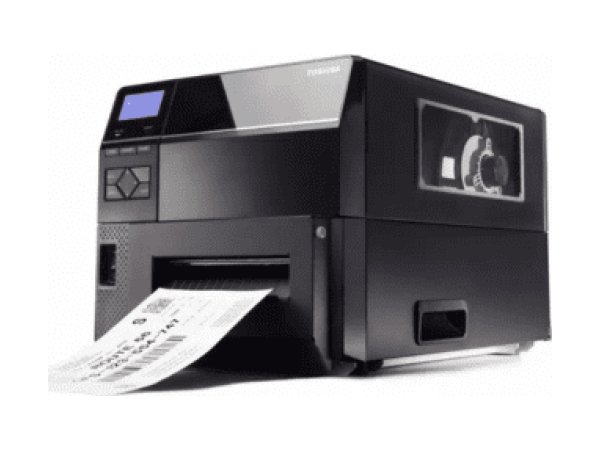
Toshiba B-EX6
- NO PAPER
- HEAD OPEN
- NO RIBBON
-
Industrial
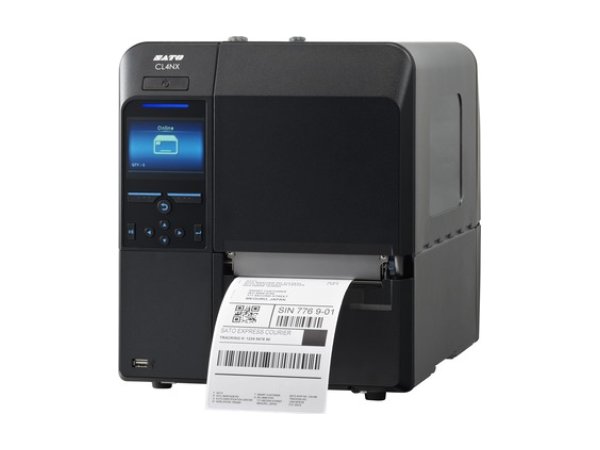
Sato CL4NX
- 1008 Out of Paper
- 1066 Paper Jam
- 1007 Head Open
-
Industrial
Sato CL6NX Plus
- 1008 Out of Paper
- 1009 Ribbon End
- 1007 Head Open
-
Industrial
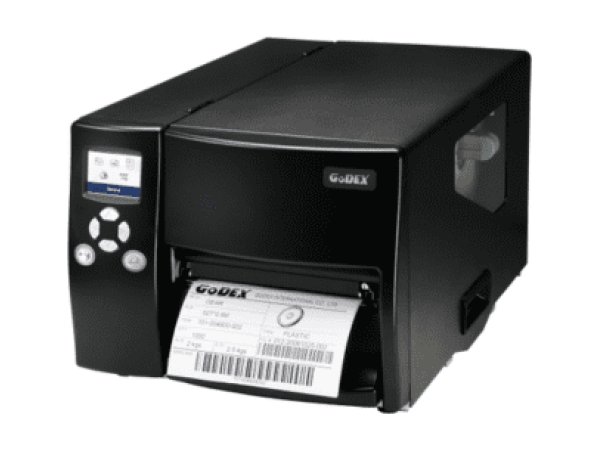
Godex EZ6250i and EZ6350i
- Media Error
- Print Head Error
- File System full
-
Industrial
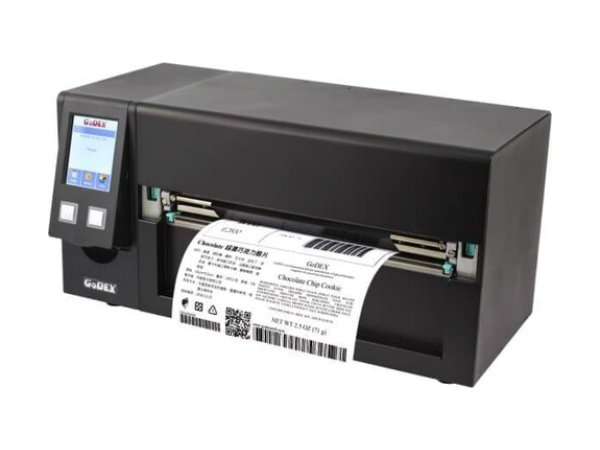
Godex HD830i
- MEDIA ERROR
- Labels not detected
- FEED light red
-
Industrial
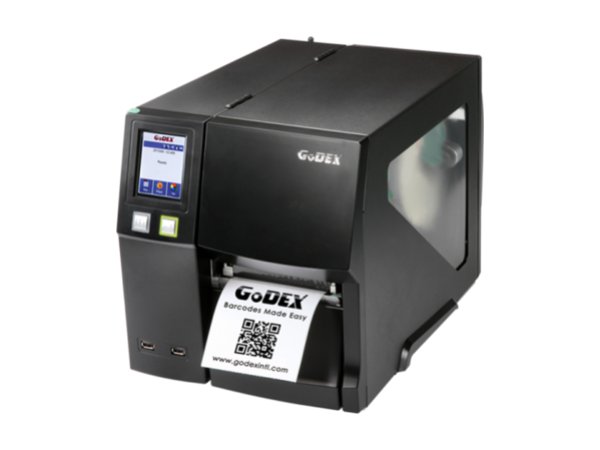
Godex ZX1000i
- MEDIA ERROR
- Labels not detected
- DL mode
-
Industrial
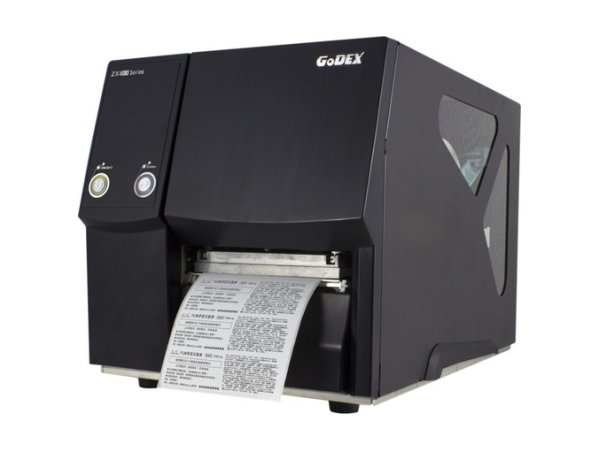
Godex ZX400
- check media
- check ribbon
- Print head is open
-
Industrial
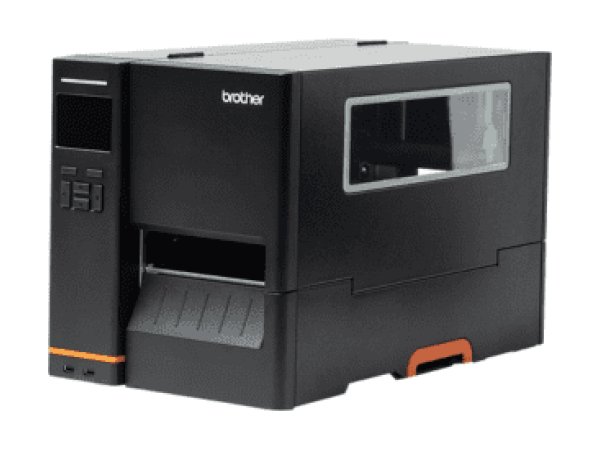
Brother TJ-4420TN
- Plus de Papier (out of paper)
- Plus de Ruban (out of ribbon)
- Paper Jam
Desktop printers 24 models
Shipping stations, reception desks, laboratories: medium volumes, small footprint.
-
Desktop
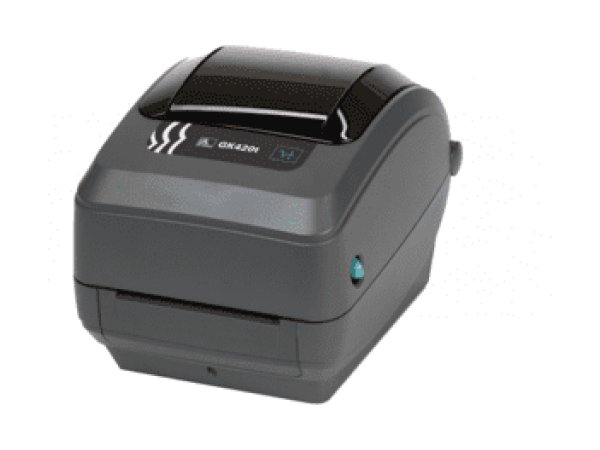
Zebra GK420
- Flashing red light
- Amber light
- Now in DUMP
-
Desktop
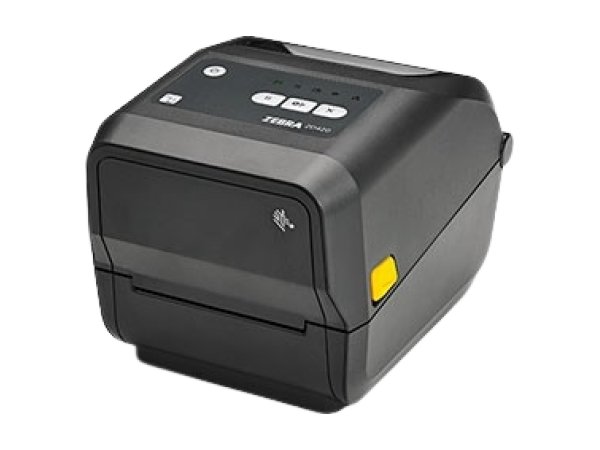
Zebra ZD421
- Media Out
- Printhead Open
- Ribbon Out
-
Desktop
Sato FX3-LX
- Error 1007 (Cover Open)
- Error 1008 (Out of Paper)
- Error 1012 (Head Error)
-
Desktop
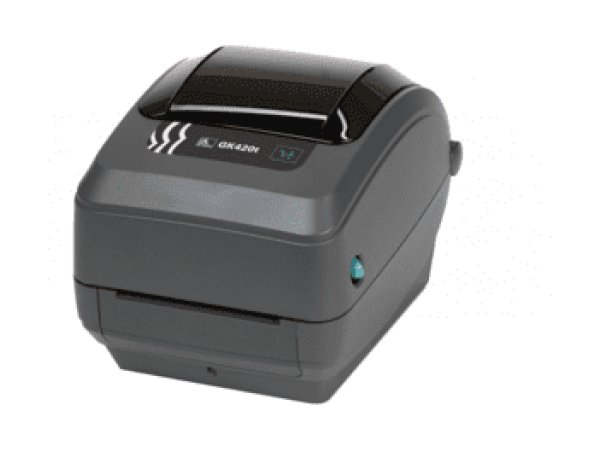
Zebra GX420
- Ribbon out (red light)
- Skips labels
- Blank labels
-
Desktop
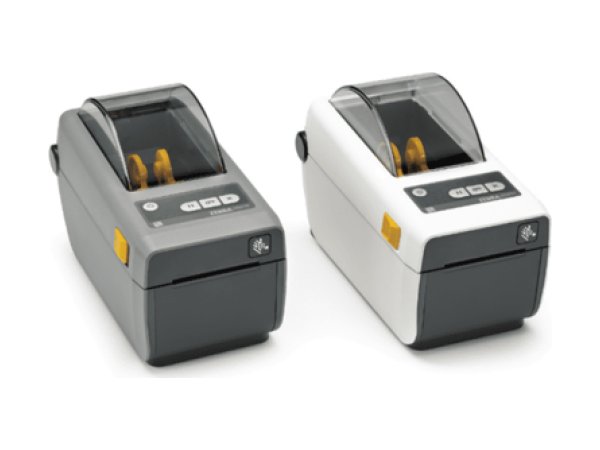
Zebra ZD410
- Media Out
- Printhead Open
- Cut Error
-
Desktop
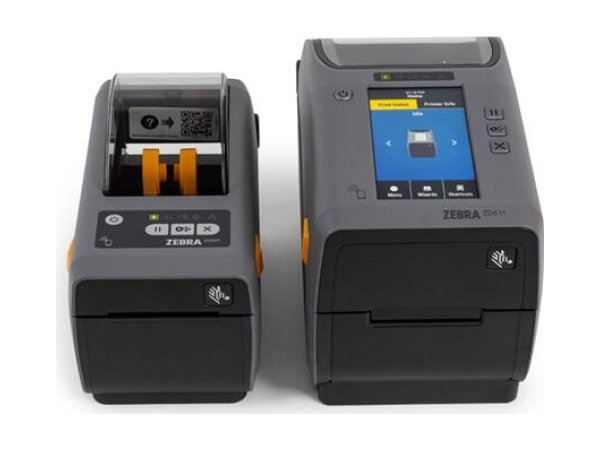
Zebra ZD411
- Media/Labels Out
- Printhead/Cover Open
- Printhead Over Temperature
-
Desktop
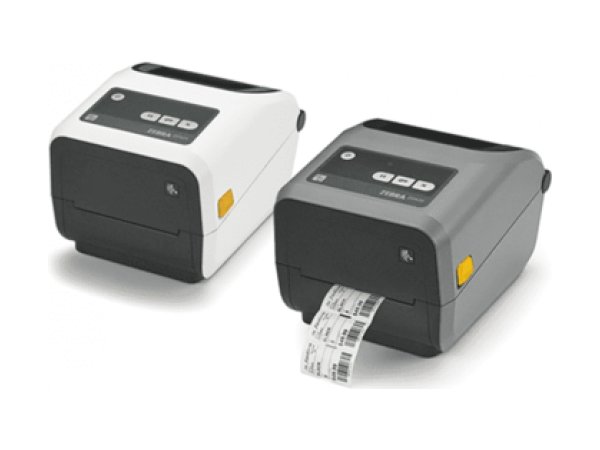
Zebra ZD420
- Media Out
- Ribbon Out
- Ribbon Low
-
Desktop
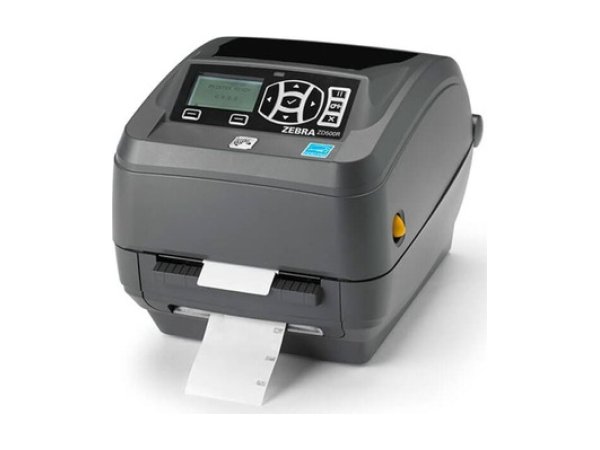
Zebra ZD500R
- VOID
- NO TAG FOUND
- Ribbon run out
-
Desktop
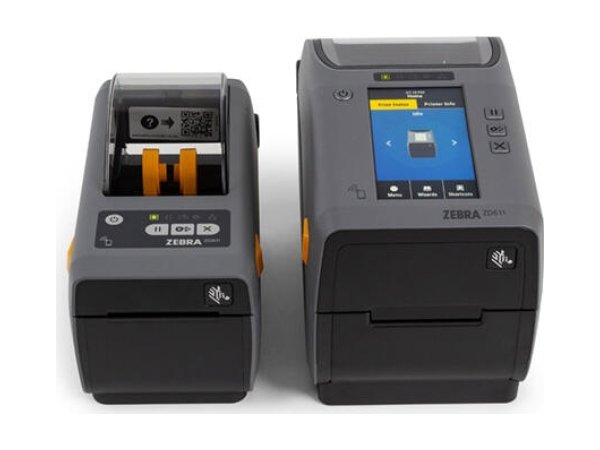
Zebra ZD611
- Media/Labels Out
- Printhead/Cover Open
- Cut Error
-
Desktop
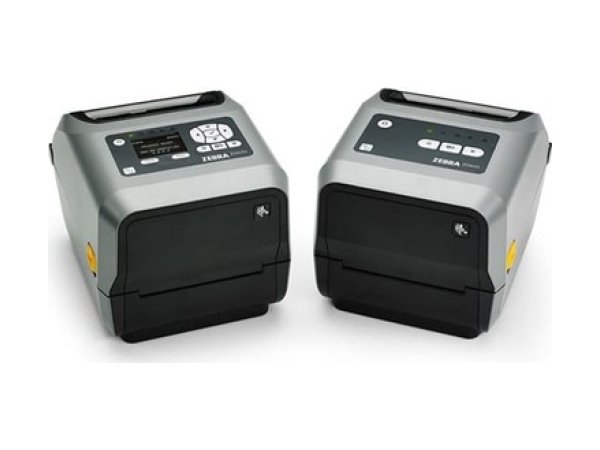
Zebra ZD620
- Media Out
- Ribbon Out
- Printhead Open
-
Desktop
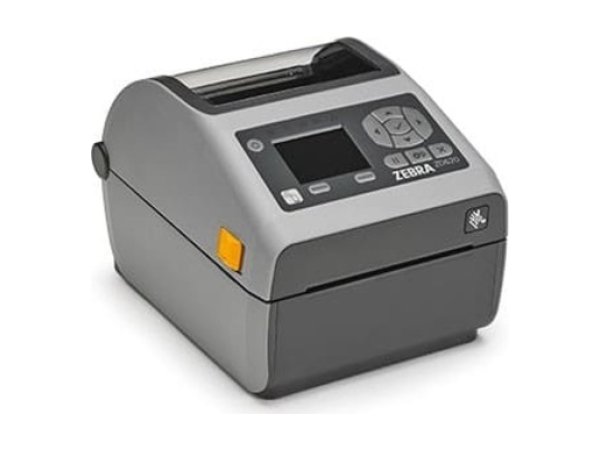
Zebra ZD621
- Media Out
- Ribbon Out
- Printhead Open
-
Desktop
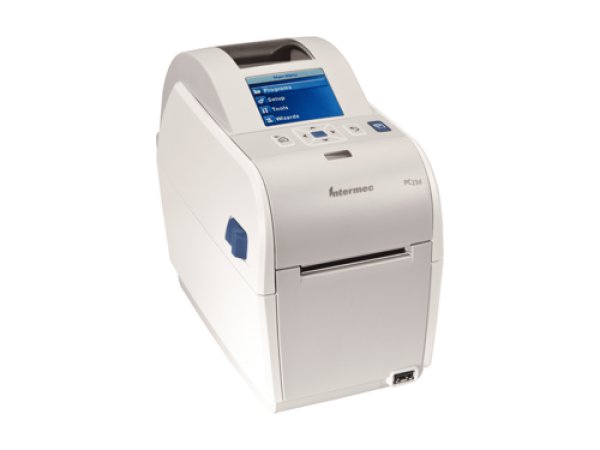
Honeywell PC23d
- Media is jammed or empty
- Print mechanism is open
- Ready-to-Work flashing
-
Desktop
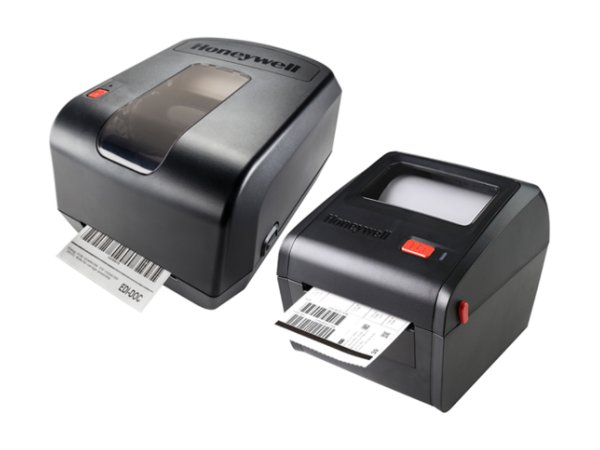
Honeywell PC42
- Flashing red light
- Printhead Lifted
- Solid orange light
-
Desktop
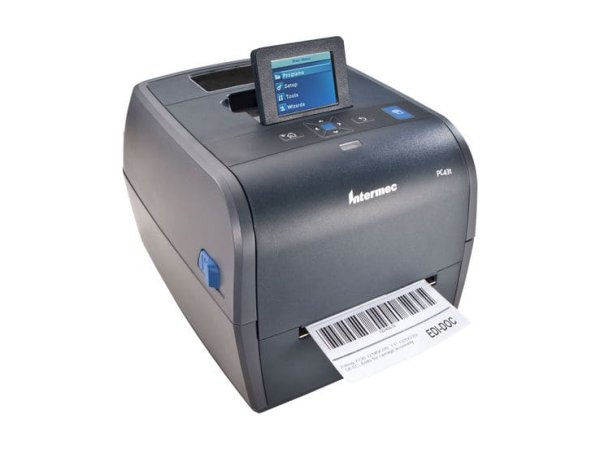
Honeywell PC43
- Media is jammed or empty
- Ribbon is jammed or empty
- Print mechanism is open
-
Desktop
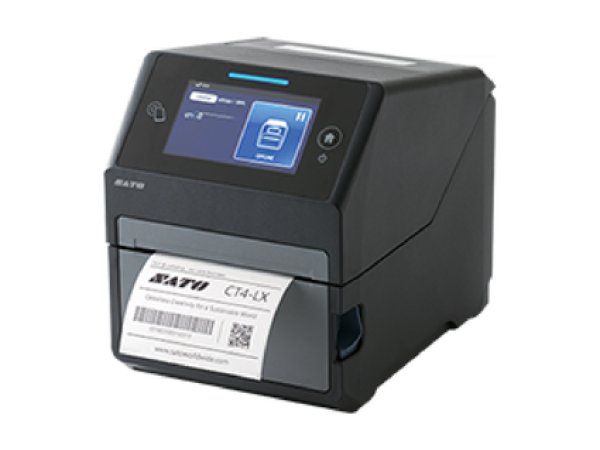
Sato CT4-LX
- 1008 Out of Paper
- 1009 Ribbon End
- 1012 Head Error
-
Desktop
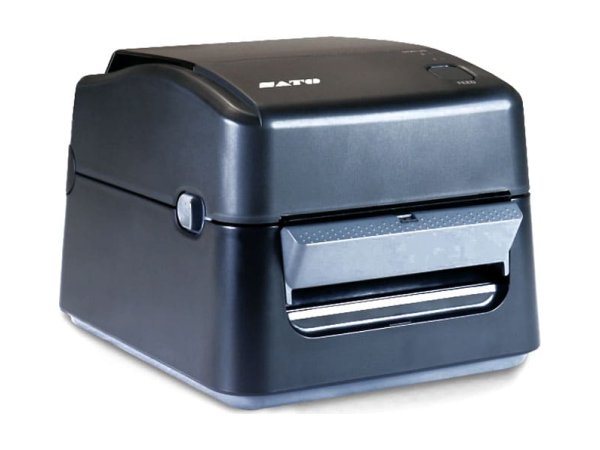
Sato WS4
- Orange lights solid (jam)
- Orange lights flashing (end of media)
- LED 2 red, LED 1 orange (damaged printhead)
-
Desktop
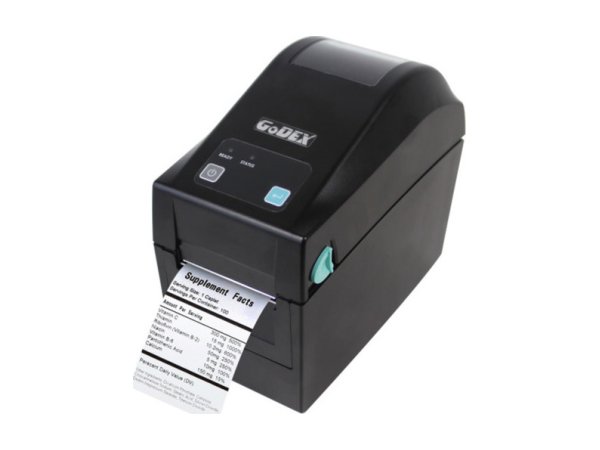
Godex DT200
- MEDIA ERROR
- Pre-printed labels not detected
- Printhead wear
-
Desktop
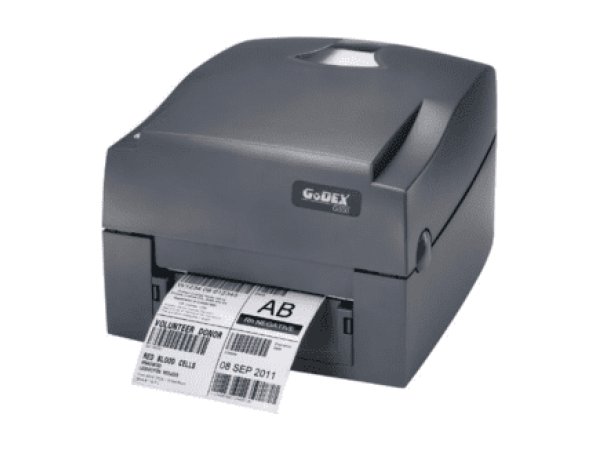
Godex G500
- 2 x 4 beeps (printhead not properly closed)
- 2 x 3 beeps (ribbon)
- File System full
-
Desktop
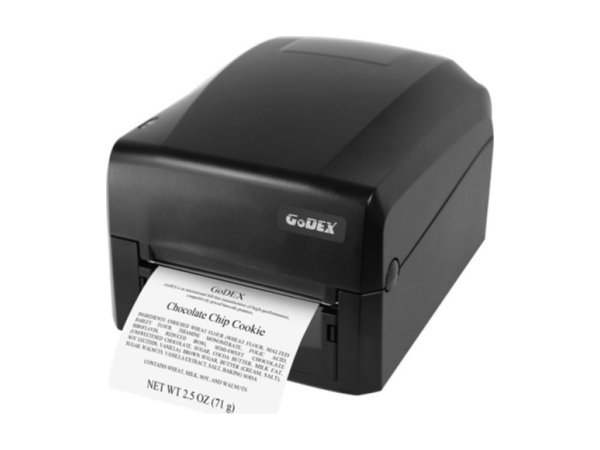
Godex GE300
- Media Error
- Settings Error
- Memory full
-
Desktop
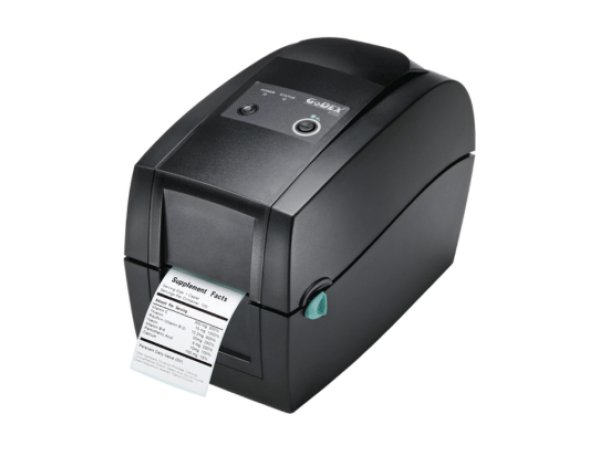
Godex RT200
- Long labels not detected
- Sensor diagram
- Ribbon temperature
-
Desktop
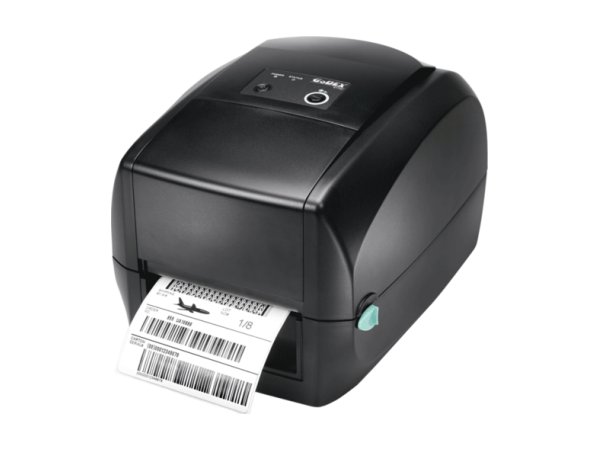
Godex RT700
- Wi-Fi/Bluetooth module
- UN-208 rewinder
- Peeler door open
-
Desktop
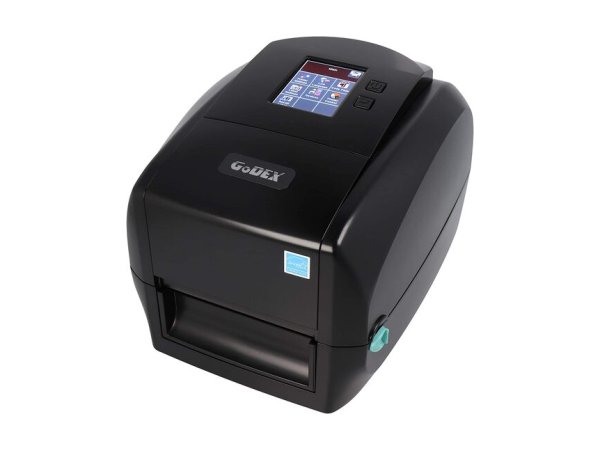
Godex RT863i
- DL mode
- Print line
- Printhead counter
-
Desktop
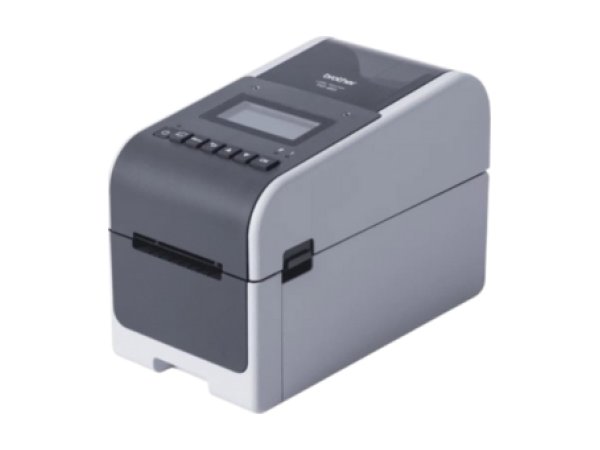
Brother TD-2
- Error 1
- Error 2
- Cover open
-
Desktop
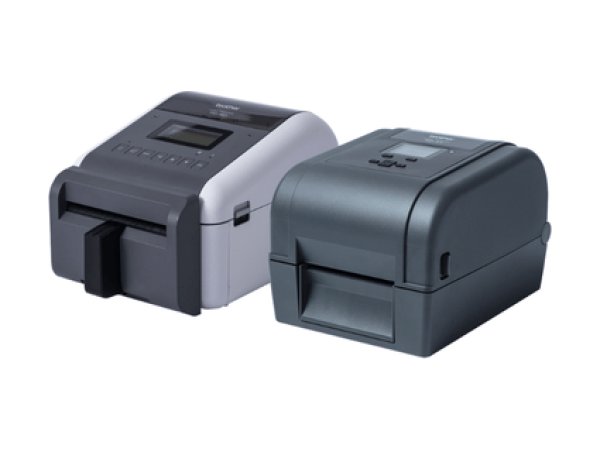
Brother TD-4
- Head Open
- Out of Paper
- Paper Jam
Mobile printers 14 models
Worn on the belt or vehicle-mounted: battery, Bluetooth and Wi-Fi are at the heart of the faults.
-
Mobile
Zebra QLn420
- Media Out
- Media Cover Open
- Battery Low
-
Mobile
Godex MX20
- ERROR light
- Paper out
- Battery must be charged or replaced
-
Mobile
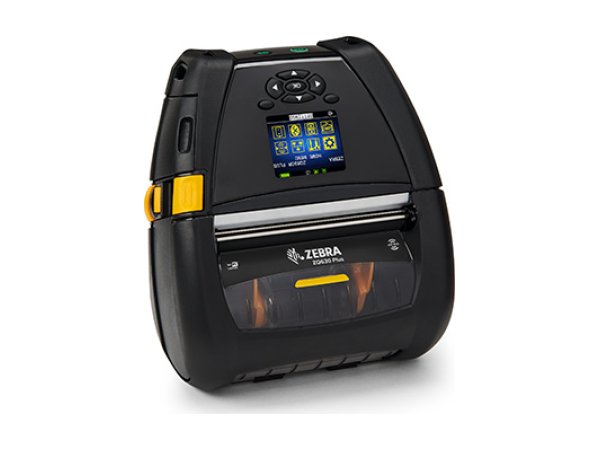
Zebra ZQ630
- Media Out
- Head Open
- Battery Low
-
Mobile
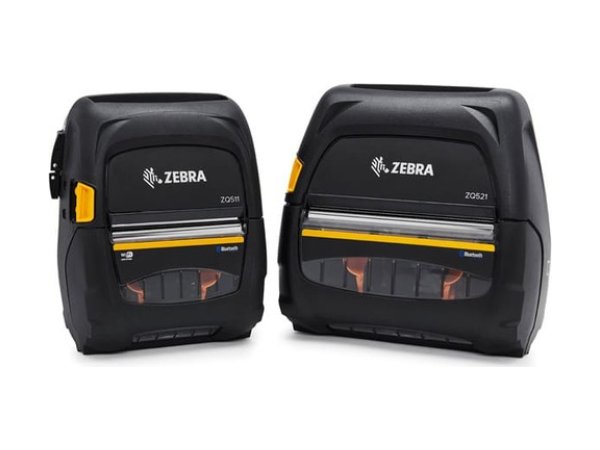
Zebra ZQ511
- Out of media
- Charging Temp Fault
- VOID
-
Mobile
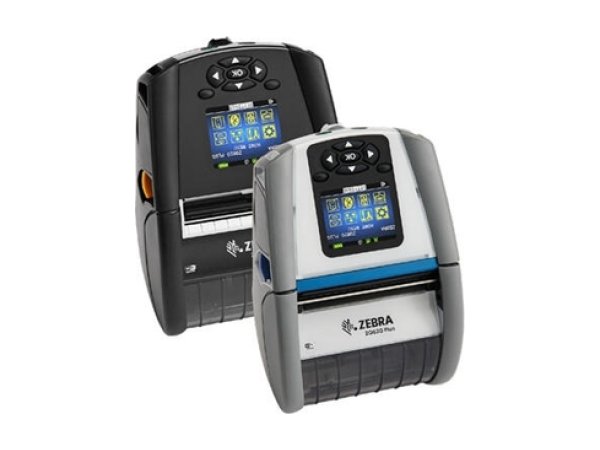
Zebra ZQ610 Plus
- Media Out
- Head Open
- Battery Low
-
Mobile
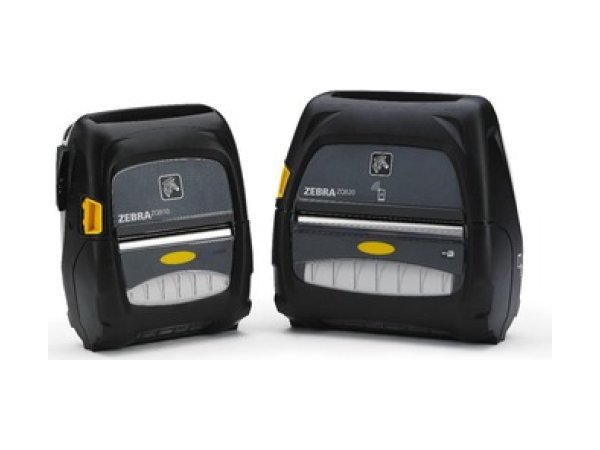
Zebra ZQ510
- Out of media
- Charging Temp Fault
- Out of Memory
-
Mobile
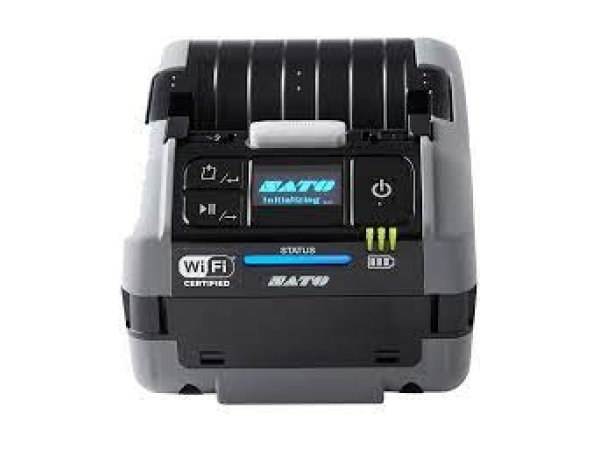
Sato PW208NX
- Error 1008 (Out of Paper)
- Error 1043 (Low Battery)
- Error 1007 (Cover Open)
-
Mobile
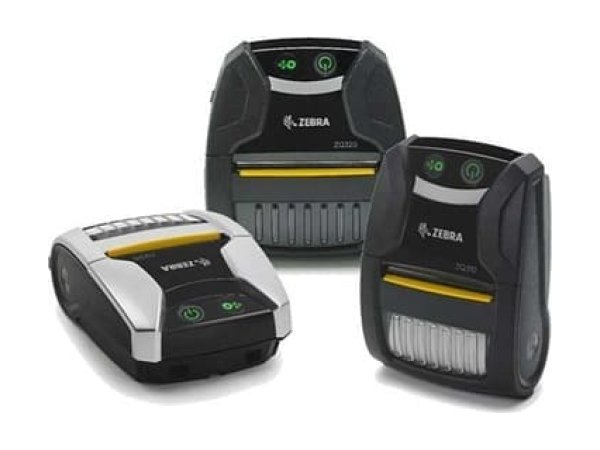
Zebra ZQ310 Plus
- Out of Media
- Media Cover Open
- Charge Fault
-
Mobile
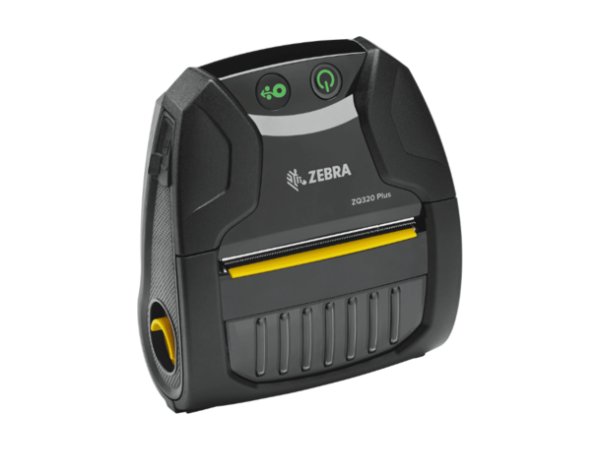
Zebra ZQ320 Plus
- Out of Media
- Media Cover Open
- Charge Fault
-
Mobile
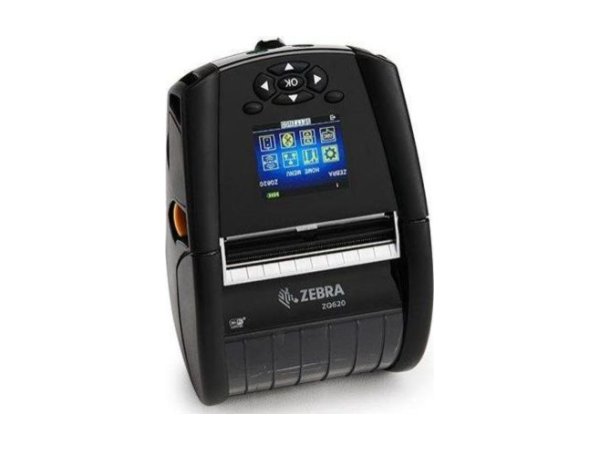
Zebra ZQ620 Plus
- Media Out
- Head Open
- Battery Low
-
Mobile
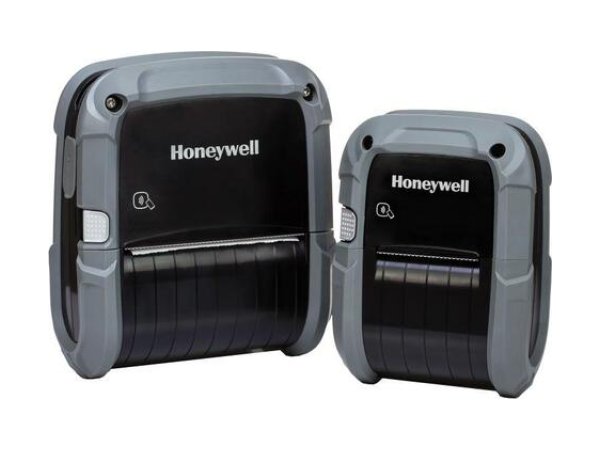
Honeywell RP2 and RP4
- Media button flashing red
- 3 short beeps (battery)
- All lights red
-
Mobile
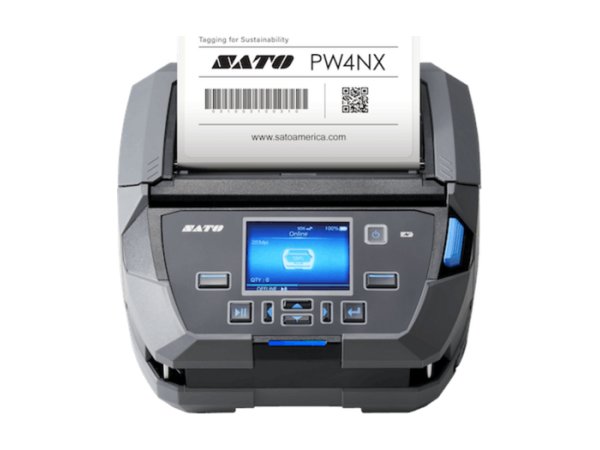
Sato PW4NX
- Error 1008 (Out of Paper)
- Error 1028 (Gap Not Found)
- Error 1043 (Battery Low)
-
Mobile
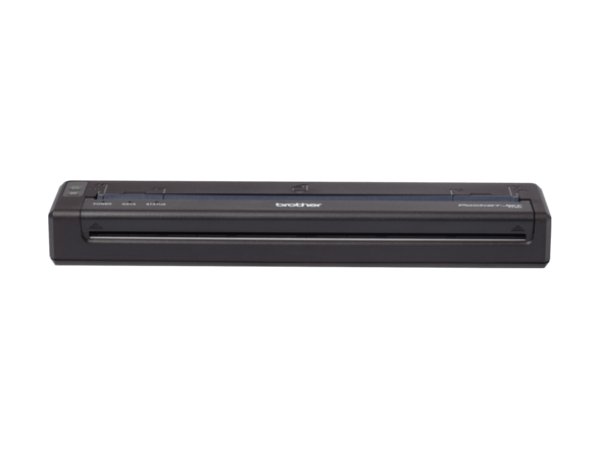
Brother PJ-8
- Power flashing, Status on
- Blank sheets
- Status flashing (battery)
-
Mobile
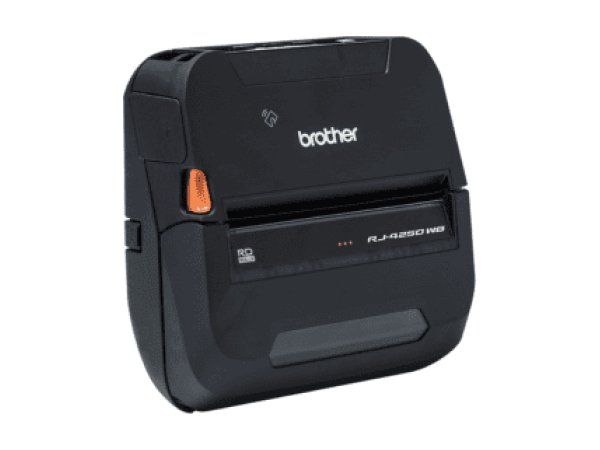
Brother RJ-4250WB
- Erreur d'alimentation (feed error)
- Rechargez la batterie! (recharge the battery)
- Erreur de média! (media error)
Wristband printers 2 models
Patient and visitor identification wristbands, on rolls or in cartridges.
-
Wristband
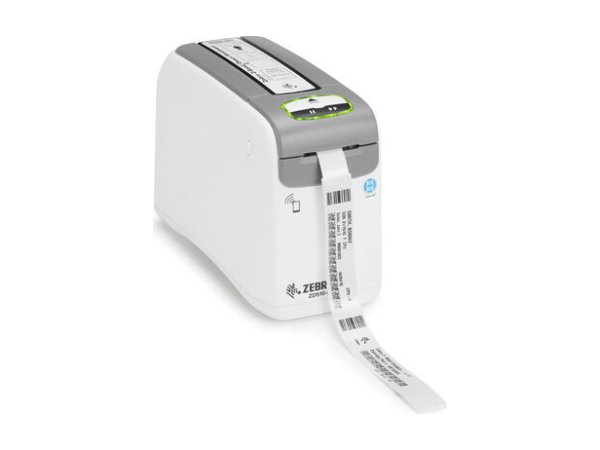
Zebra ZD510-HC
- Media Out
- Media Not Removed
- Upper Cover Open
-
Wristband
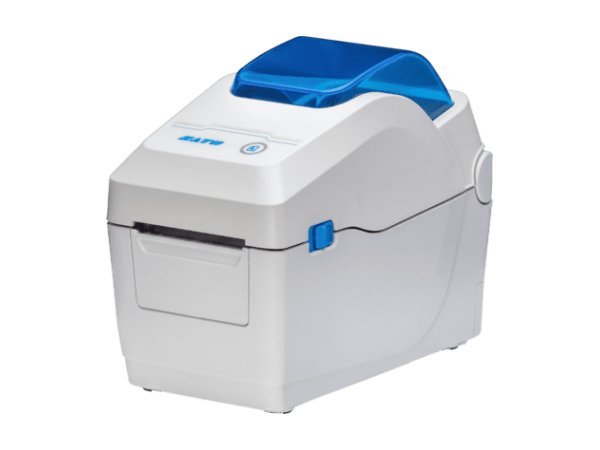
Sato WS2
- Orange lights flashing (end of media)
- Orange lights solid (jam)
- LED 2 red, LED 1 orange (damaged printhead)
Card printers 2 models
Badges, access and loyalty cards: colour or monochrome ribbon, encoding, lamination.
-
Card printer
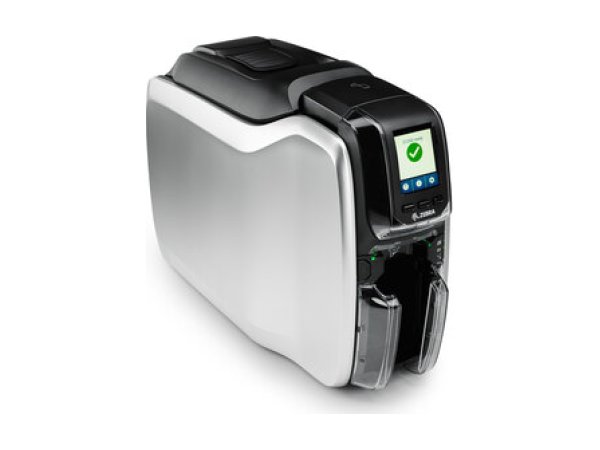
Zebra ZC100 and ZC300
- Card jam in printer (7036)
- Out of ribbon (5001)
- Out of cards (4001)
-
Card printer
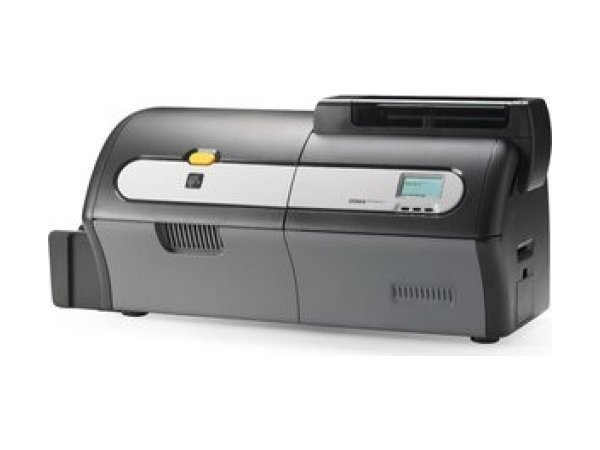
Zebra ZXP Series 7
- ALARM
- RIBBON LOW
- Ribbon Jam (5003)
What does the message on my printer mean?
The same fault has a different name depending on the brand. This table brings the equivalent messages together, with the most common cause and the first thing to do.
| Situation | Message by brand | Cause and first action | Documented models |
|---|---|---|---|
| Out of labels reported when the roll is loaded |
| The sensor no longer sees the media: roll not correctly fed, sensor out of position or dirty, printer not calibrated for these labels. Reload the roll, reposition the sensor, then calibrate. | Zebra Honeywell |
| Ribbon reported missing when it is installed |
| Ribbon incorrectly loaded or not detected, printer not calibrated for this ribbon, or set to thermal transfer with labels that do not use a ribbon. Reload the ribbon and calibrate, or switch to direct thermal mode. | |
| Ribbon detected when the printer is in direct thermal mode |
| A ribbon is loaded when the printer is set for direct thermal labels. Remove the ribbon, or switch to thermal transfer if your labels require one. | |
| Printhead or cover reported open when it is closed |
| Printhead or cover not fully latched, or open sensor dirty or faulty. Open and close again until it clicks; if the message is still displayed, have the sensor checked. | Zebra |
| Printing stopped because the printhead is overheating |
| Long print runs, high speed or darkness, hot or poorly ventilated room. Let it cool down: printing resumes. If the message comes back, reduce the speed or move the printer. | Zebra |
| Faulty printhead |
| Failed heating elements (vertical white lines) or thermistor fault. Clean the printhead; if the fault persists, replace it. The thermistor is a job for a technician. | Zebra |
| Start of label not found |
| The sensor cannot find the gap, notch or black mark between two labels: wrong detection mode, dirty or badly positioned sensor. Choose the right detection mode, clean the sensor, run a calibration again. | Zebra Honeywell |
| Cutter error (cutter option) |
| Blade jammed or label stuck in the cutter module. Switch off and unplug, clear and clean the cutter without touching the blade. | |
| Communication error with the computer |
| Driver, port or network settings that do not match between the computer and the printer, faulty cable or wireless link. Check the driver, the port, the cable and the network settings on both sides. | Zebra Honeywell |
| Battery low, worn or not charging |
| Battery discharged, worn or charged outside its temperature range (0 to 40 °C on Zebra mobile printers). Recharge within the specified range with an original charger; replace a battery reported as worn. |
Be careful with numbers: they are not shared between brands. Error 1008 means “out of paper” on Sato and “LSS too low” (label sensor) on Honeywell.
No message? Start from the symptom
The ten most documented symptoms, across all brands. Each guide details the causes and the checks, in order.
-
Why is my label printer skipping labels or shifting the print?
In most cases, the printer is no longer calibrated for the media loaded: it no longer detects the gap, notch or black mark between two labels. Run a sensor calibration again after every label change, and check that the sensor is clean and correctly positioned.
Read the full guide -
Why does my printer say “paper out” when the labels are loaded?
The sensor cannot see the media: roll not correctly fed under the sensor, sensor out of position or dirty, or printer not calibrated. Reload the roll, reposition the sensor, then calibrate.
Read the full guide -
Why is my thermal printer printing faded labels or unreadable barcodes?
Dirty printhead or platen roller, darkness too low, insufficient printhead pressure or ribbon unsuited to the media. Clean the printhead first, then increase the darkness step by step; if nothing changes, the printhead may be worn.
Read the full guide -
Why are vertical white lines appearing on my labels?
White lines that stay in the same place on every label indicate dirty or failed heating elements. Clean the printhead: if the lines persist, it must be replaced.
Read the full guide -
Why is my printer printing blank labels?
The print mode does not match the media (direct thermal or thermal transfer), the ribbon is loaded with the ink side facing the wrong way, or the thermal roll is loaded the wrong way round. Check these three points before changing the darkness.
Read the full guide -
Why does my printer say “Ribbon Out” when the ribbon is loaded?
The ribbon is incorrectly loaded or not detected, the printer has not been calibrated for this ribbon, or it is set to thermal transfer when your labels do not use a ribbon. Reload the ribbon, calibrate, or switch to direct thermal.
Read the full guide -
Why is my printer ribbon wrinkling or breaking?
Ribbon incorrectly loaded or tensioned, darkness too high, printhead pressure too high or uneven, or ribbon too wide for the labels. Reload the ribbon, then set darkness and pressure to the minimum that gives a good print.
Read the full guide -
Why does my printer say “head open” when it is closed?
The printhead or cover is not fully latched, or the open sensor is dirty or faulty. Open it and close it again until it clicks; if the message is still displayed with the printhead closed, have the sensor checked by a technician.
Read the full guide -
Why does my label printer not respond when I send a print job?
The job does not reach the printer (driver, port, cable, network or Bluetooth pairing), or it arrives in a language the printer does not recognise. Check whether the data light reacts when you send the job: it is the first clue as to which side to investigate.
Read the full guide -
Why is my mobile printer battery not charging?
Battery discharged, worn or charged outside its temperature range (0 to 40 °C for Zebra mobile printers). Recharge within the specified range with an original charger; a battery reported as worn must be replaced.
Read the full guide
Diagnosing a label printer fault in 5 steps
This order avoids replacing a part when a setting change is enough.
- Note the exact message and the state of the lights.The same problem has a different name depending on the brand, and the same number can refer to two different faults.
- Check the print mode and the consumables.Direct thermal without ribbon, thermal transfer with a ribbon loaded ink side towards the label, roll loaded the right way round.
- Calibrate the sensors.After any change of labels or ribbon, and as soon as the printer skips labels or wrongly reports paper out.
- Clean the printhead, the platen roller and the sensors.Printhead cooled down, with isopropyl alcohol or the cleaning pen specified by the manufacturer.
- Call a technician if the fault persists.Faulty sensor, worn printhead, thermistor or circuit board: note the message and the steps already taken to save time.
Direct thermal or thermal transfer: the first thing to check
Label printers print in two ways. A setting that does not match the labels loaded accounts for a large share of ribbon messages and blank labels.
Direct thermal (no ribbon)
The printhead directly heats a heat-sensitive label, which turns black.
- No ribbon to load.
- Labels more sensitive to heat and light.
- On Zebra printers, a ribbon loaded in this mode triggers “Ribbon In”.
Thermal transfer (with ribbon)
The printhead heats a ribbon (wax, wax-resin or resin) that transfers the ink onto the label.
- More durable print.
- With no ribbon detected, the printer displays “Ribbon Out” or a ribbon error.
- Ribbon loaded the wrong way round: blank labels.
What are the most common faults?
Breakdown of the 1945 problems documented on the 72 models. Error messages, connectivity and print quality account for 45% of them. On mobile printers, battery and connectivity account for 38% of problems.
When should you call in a technician?
When the message persists after reloading, calibration and cleaning, or when the manufacturer requires it: head-open sensor to be replaced, faulty thermistor or printhead, incorrectly installed component.
Maintenance contract
Preventive maintenance (printer checks, minor fault fixes, detailed report) and corrective maintenance (phone support, repair, express exchange). Essentiel, Confort or Premium plans.
See the contractsRepair request
Printer out of order? Give the model and the problem in the repair request form (in French) and our team will get back to you.
Request a repairQuote or out-of-contract service
Printer bought elsewhere, a fleet to bring up to date or a contract to set up: describe what you need and our team will get back to you.
Contact us
Label printer faults: frequently asked questions
Why does my label printer say “paper out” when the roll is loaded?
In most documented cases, the sensor cannot see the media: roll not correctly fed under the sensor, sensor out of position or dirty, or printer not calibrated after a label change. Reload the roll, check the sensor position, then run a calibration. The message varies by brand: Media Out on Zebra, Out of paper (1005) on Honeywell, NO PAPER on Toshiba, error 1008 on Sato. See the message table.
Why is my thermal printer printing blank labels?
Three causes come up across all brands: the print mode does not match the media (direct thermal or thermal transfer), the ribbon is loaded with the ink side facing the wrong way, or the thermal roll is loaded the wrong way round. Check these points before changing the darkness. See the difference between direct thermal and thermal transfer.
How can I tell if the printhead is worn?
Vertical white lines that stay in the same place on every label, even after cleaning, indicate failed heating elements. Some printers display it: Head Element Bad on Zebra, HEAD ERROR on Toshiba, error 1012 on Sato. Clean the printhead first; if the lines persist, it must be replaced.
When should I recalibrate my label printer?
After every change of label or ribbon type or size, and as soon as the printer skips labels, shifts the print or reports paper out when the roll is loaded. The calibration procedure specific to each model is in its troubleshooting guide. See the guide for your model.
Why is my printer ribbon wrinkling?
The manuals cite a ribbon incorrectly loaded or tensioned, darkness too high, printhead pressure too high or uneven, and a ribbon much wider than the labels. Reload the ribbon, then set darkness and pressure to the minimum that gives a correct print.
How do I clean a label printer printhead?
Let the printhead cool down, then wipe it from one end to the other with a product specified by the manufacturer: a cotton swab moistened with 99.7% isopropyl alcohol for Zebra, the supplied cleaning pen for Toshiba. Also clean the platen roller and the sensors. TIMCOD offers suitable cleaning accessories.
Does the same error number mean the same thing from one brand to another?
No. Codes are not standardised: error 1008 means “out of paper” on Sato, but “LSS too low” (label sensor) on Honeywell. Always note the full message and the brand before looking for a solution.
What is the difference between preventive and corrective maintenance?
Corrective maintenance repairs a printer that has broken down. Preventive maintenance schedules visits to clean, adjust and check the printers, and to replace worn parts (printhead, platen roller, sensors) before they fail. TIMCOD offers both, with Essentiel, Confort and Premium contracts. See TIMCOD maintenance.
How these guides are built
The 72 models covered are, on the one hand, the 23 printers TIMCOD technicians work on most and, on the other, the 49 other printers in the TIMCOD catalogue (as listed on 20 October 2026). For each one, the team listed the documented faults, then checked every cause and every fix against the manufacturer's documentation: user guides, maintenance manuals and knowledge bases, in their French, European or US versions.
In total: 1945 problems, based on 1133 pages of official manufacturer documentation. Only official manufacturer documentation is used: a problem it does not describe is not published. Research carried out in September and October 2026.
TIMCOD has been a supply chain solutions integrator for 25 years: 7 branches in France, 125 employees, certified reseller for the leading label printer manufacturers.
Does your printer fleet break down too often?
A preventive maintenance visit checks, cleans and adjusts your printers, and spots worn printheads, platen rollers and sensors before they fail.
Explore maintenance contracts Request a quote