

 Datalogic
Scanners and mobile computers · Datalogic
Datalogic
Scanners and mobile computers · Datalogic
Datalogic scanner and mobile computer troubleshooting: beeps, errors and fixes by model
Preventive battery replacement, Wi-Fi coverage audit and a general check of your scanners and mobile computers.
In brief. TIMCOD technicians have documented 313 problems across 13 Datalogic scanners and mobile computers: handheld scanners (PowerScan 9100, PowerScan 9500, PowerScan 9600), fixed-mount scanners (Matrix 120, Matrix 220, Matrix 320) and mobile computers (Falcon X4, Falcon X60 / X65, Memor X3, Skorpio X3, Skorpio X4, Skorpio X40/X45, Skorpio X5). Recent Android mobile computers are configured in Datalogic Settings, Matrix fixed-mount scanners with the DL.CODE software, and PowerScan scanners with programming barcodes or with Aladdin. Each guide links the model's beeps, lights and messages to their cause, then gives the manufacturer's procedure.
Examples:
Datalogic troubleshooting guides by model
Each guide lists the model's beeps, lights and messages, then one entry per fault: cause, steps to follow, and when a technician is needed.
Datalogic handheld scanners 3 models
-
Handheld scanner
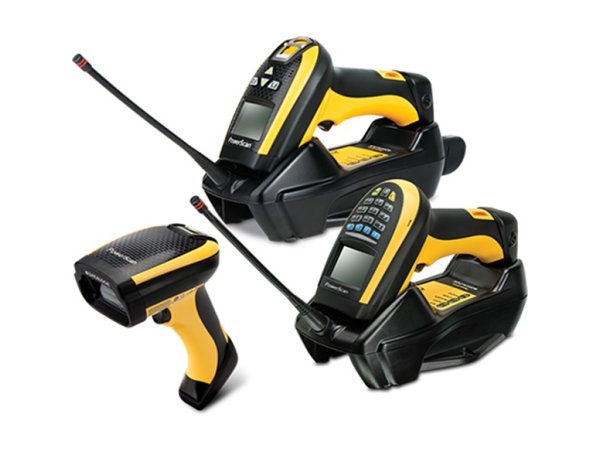
PowerScan 9100
- 6 high beeps
- Previous barcode sent
- Red Reader light on the base
-
Handheld scanner
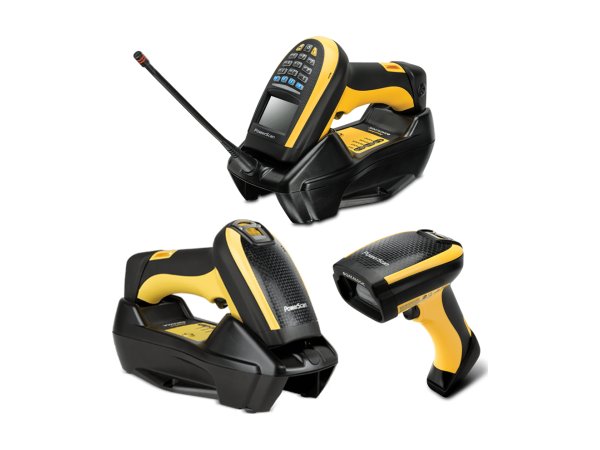
PowerScan 9500
- Long tone at power-up
- 3 low beeps
- Reader light flashing orange
-
Handheld scanner
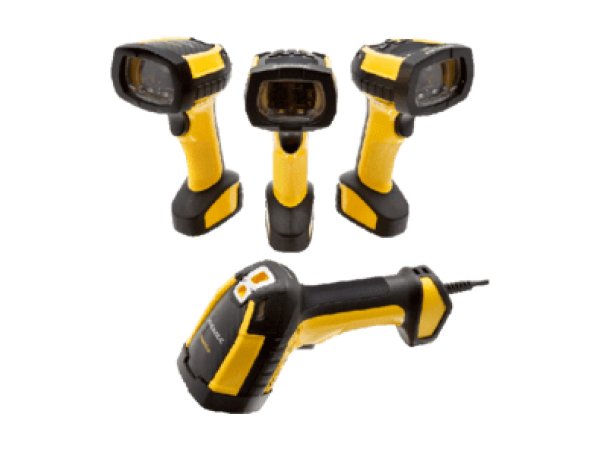
PowerScan 9600
- 4 long beeps
- Light flashing (100 ms / 900 ms)
- Base light bars flashing orange
Datalogic fixed-mount scanners 3 models
-
Fixed-mount scanner
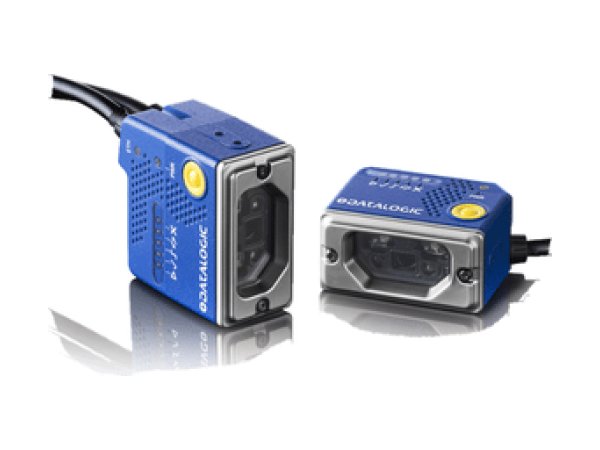
Matrix 120
- STATUS and READY flash together
- 1 long low beep
- Red STATUS light (NO READ)
-
Fixed-mount scanner
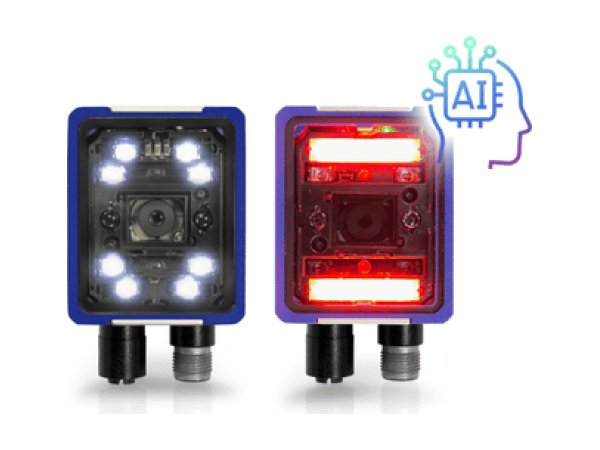
Matrix 220
- Red spot (No Read)
- STATUS and READY flash together
- 1 long low beep
-
Fixed-mount scanner
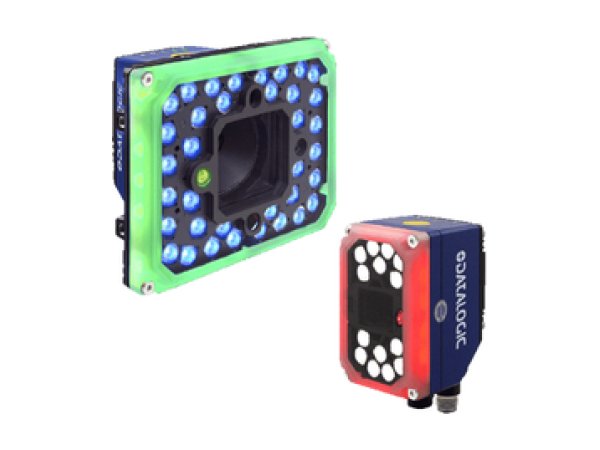
Matrix 320
- Red 360° feedback
- Red STATUS light (NO READ)
- Blurred image (focusing)
Datalogic mobile computers 7 models
-
Mobile computer
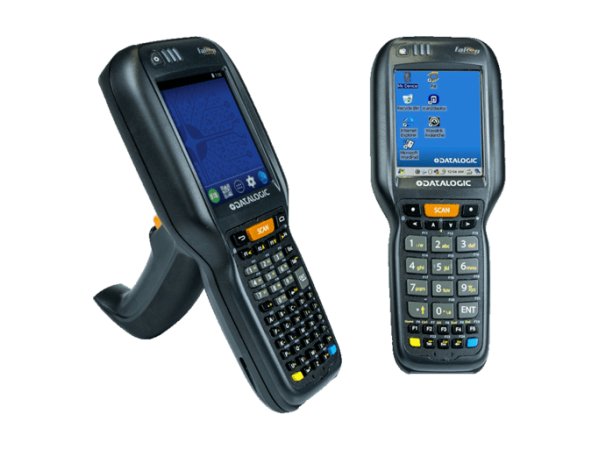
Falcon X4
- Battery disconnected at the factory
- Clean boot
- Factory Reset (Recovery)
-
Mobile computer
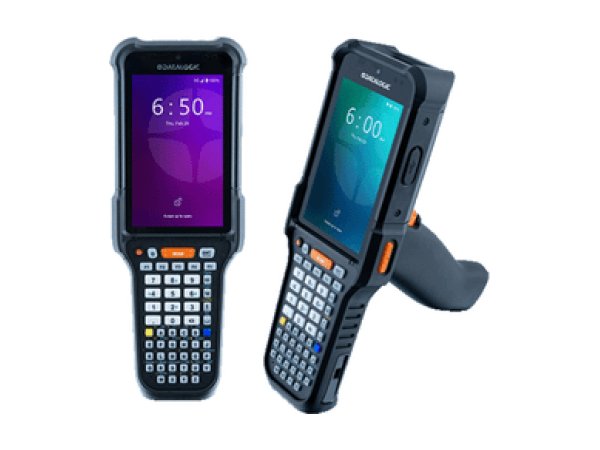
Falcon X60 / X65
- No beep and no Green Spot
- Empty field after scanning
- Dock Status: Error
-
Mobile computer
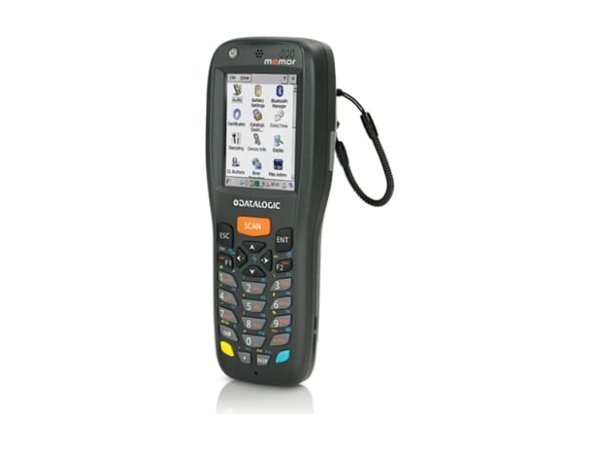
Memor X3
- Right light flashing red
- Clean boot
- Locked keypad
-
Mobile computer
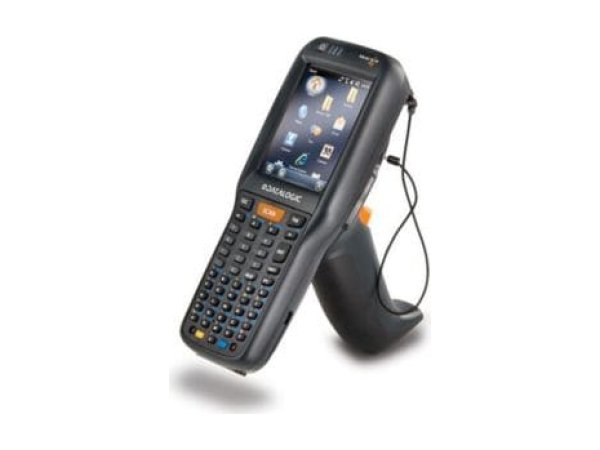
Skorpio X3
- Flashing red charging light
- Clean boot
- Cold boot
-
Mobile computer
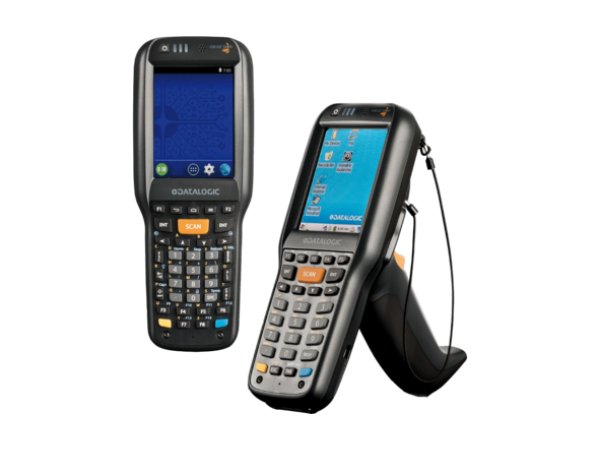
Skorpio X4
- Flashing red charging light
- Hard reset
- Recovery mode
-
Mobile computer
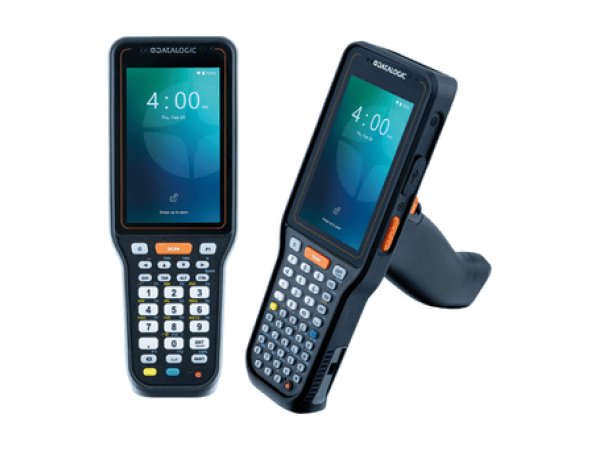
Skorpio X40/X45
- No Green Spot
- Dock Status: Error
- No 5G on the X40
-
Mobile computer
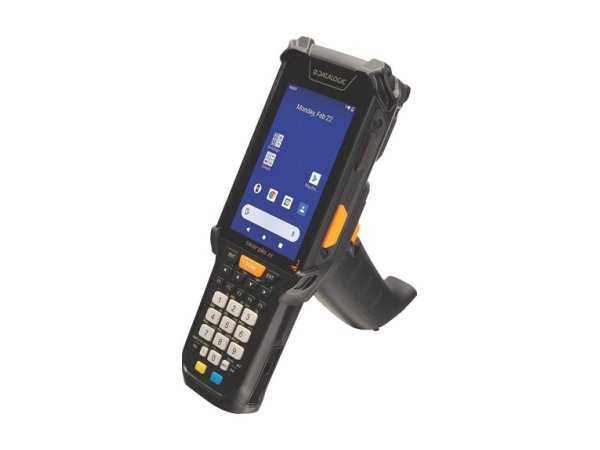
Skorpio X5
- Flashing red charging light
- Battery lights flashing red
- Battery Swap mode
Datalogic beeps, lights and messages: meaning and first action
The signals below are described in the documentation for several Datalogic models. The detailed entry for each model gives the exact procedure.
| Signal | Meaning | What to do first | Models |
|---|---|---|---|
| 6 high chirps limited reading | On the PowerScan 9100 and 9500, the barcode is read but the connection with the host is not established; the 9600 guide does not specify the cause. | PowerScan 9100 and 9500: check the cable or the link with the base, then the interface; PowerScan 9600: note the context and contact support. | |
| Error beep at maximum volume 4 long beeps and flashing light (PowerScan 9600) | ROM failure (“ROM Failure”). | No fix you can make yourself: have the scanner checked. | |
| Long tone at start-up | Self-test failed: the scanner enters field replaceable unit (FRU) isolation mode. | Press and release the trigger to hear the code, note it and contact support. | |
| Light flashing continuously 100 ms on, 900 ms off (PowerScan 9600) | Scanner disabled by the host. | Hold the trigger for 5 seconds to read programming barcodes, then check the interface. | |
| 3 rising beeps scanner placed on the base | Link established with the base. | If the scanner was linked to another base, unlink it first according to the model's guide. | |
| Base Reader light flashing orange red and green alternating: charging error | Scanner battery faulty. | Replace the battery. | |
| Red STATUS light red spot (Matrix 220) | NO READ result: the scanner was triggered, but no barcode was decoded. | Check the position of the barcode, the focus, the lighting and the symbology, then run the setup again. | |
| STATUS and READY flashing together | Diagnostic error. | Read the details on the Diagnostic page of the DL.CODE monitor. | |
| 1 long low beep | The setting started with the X-PRESS button failed: nothing was saved. | Present a single barcode, readable and well positioned, then run the function again. | |
| All lights lit solid | Loader program: the X-PRESS button was released too late. | Switch the power off and back on. | |
| PWR light off | The scanner is not powered. | Check the power source and its voltage, given in the model's guide. | |
| Charging light flashing red | Mobile computer charging fault. | Check the room temperature, the approved power supply and the battery, then restart charging. | |
| Battery lights flashing red flashing orange: temporary failure | Permanent battery failure. | Take the battery out of service and replace it with an approved battery. |
Signals found in the Datalogic documentation. The entry for each model gives the full procedure and its sources.
No signal? The most common symptoms on Datalogic scanners and mobile computers
These guides cover one symptom across all brands; the Datalogic models concerned are shown on each card.
-
Why has my barcode scanner stopped reading barcodes?
In the manufacturers' documentation, three causes keep coming up: the barcode type (symbology) is not enabled, the reading distance or angle is not right, or the scan window is dirty. Test first with a barcode of the same type in good condition.
- PowerScan 9100
- PowerScan 9500
- PowerScan 9600
- Matrix 120
- Matrix 220
- Matrix 320
- Falcon X4
- Falcon X60 / X65
- Memor X3
- Skorpio X3
- Skorpio X4
- Skorpio X40/X45
- Skorpio X5
-
Why is my barcode scanner sending the wrong characters?
In keyboard emulation, many scanners leave the factory set to the American (US) keyboard. On an AZERTY host computer, digits turn into accented letters or symbols: program the keyboard country “France” on the scanner.
Read the full guide -
Why does my scanner beep but nothing appears?
The barcode is read, but the data does not reach the application: interface programmed incorrectly (USB keyboard or virtual serial port), link with the base broken, or, on a mobile computer, keyboard input (wedge) disabled.
- PowerScan 9100
- PowerScan 9500
- PowerScan 9600
- Matrix 120
- Matrix 220
- Matrix 320
- Falcon X60 / X65
- Memor X3
- Skorpio X3
- Skorpio X4
- Skorpio X40/X45
- Skorpio X5
-
What do the error beeps and red light on my scanner mean?
Each manufacturer has its own signals: four long low beeps indicate a transmission error on a Zebra DS3600, three beeps when scanning indicate a cordless Honeywell Granit handheld scanner that is not linked to its base. Note the exact signal, then check the table for your model.
Read the full guide -
Why is my cordless scanner no longer communicating with its base?
The scanner is not paired, or no longer paired, with its base, the base is not powered or not connected to the host computer, or the scanner is out of range. Depending on the model, you pair it again by placing the scanner on its base or by scanning the base's pairing barcode.
Read the full guide -
Why is the battery in my scanner or mobile computer not charging?
Manufacturers first cite a temperature outside the charging range (most often 0 to 40 °C or 0 to 45 °C, but 0 to 35 °C or 5 to 35 °C on some models), then a battery at the end of its life or not approved, or a faulty cradle or power supply. The charging light often shows which case applies.
- PowerScan 9100
- PowerScan 9500
- PowerScan 9600
- Falcon X4
- Falcon X60 / X65
- Memor X3
- Skorpio X3
- Skorpio X4
- Skorpio X40/X45
- Skorpio X5
-
How do I reset a barcode scanner or mobile computer?
A handheld scanner returns to its factory settings when you scan the reset barcode in its guide; a mobile computer is reset from its settings or its recovery menu. A factory reset of a mobile computer erases its data.
- PowerScan 9100
- PowerScan 9500
- PowerScan 9600
- Matrix 120
- Matrix 220
- Falcon X4
- Falcon X60 / X65
- Memor X3
- Skorpio X3
- Skorpio X4
- Skorpio X40/X45
- Skorpio X5
-
Why has the scanner on my mobile computer stopped reading?
On a mobile computer, scanning goes through a manufacturer application (DataWedge on Zebra, ReaderConfig on CipherLab, Datalogic Settings…): a disabled scanner or a symbology that is not enabled explains many cases. Test in the manufacturer's test application.
Read the full guide -
Why is my mobile computer losing Wi-Fi?
The guides cite bands or security that the mobile computer does not support, unsuitable roaming settings, Wi-Fi power saving mode and captive portal detection. First compare your access points with the mobile computer's data sheet.
Read the full guide -
Why won't my mobile computer turn on?
The most documented case is a battery that is too deeply discharged: several mobile computers refuse to start until it has recharged enough. Leave the mobile computer on its cradle for several hours; if it stays frozen, a forced restart specific to the model brings it back.
Read the full guide
Three checks before calling a technician
They cover the checks most often cited in the documentation for Datalogic models.
- Is the barcode type enabled?Not all symbologies are enabled at the factory: check the one for your barcode in the settings of the scanner or of the scanning application.
- Do the interface and keyboard country match the host computer?Keyboard emulation or virtual serial port, country “France” for an AZERTY host computer: the two settings to check first when the data arrives incorrectly.
- Are the link and the battery in good order?Scanner paired with its base, base powered, battery charged within the temperature range given in the guide.
The most common faults on Datalogic scanners and mobile computers
Breakdown of the 313 documented problems by category. Connection (62) and barcode reading (53) come first.
Maintenance and repair of Datalogic scanners and mobile computers
When a problem persists after an adjustment, a recharge or a reset, or when Datalogic refers you to support, TIMCOD teams take over: hotline, repair, express exchange and preventive maintenance contracts.
Maintenance contract
Preventive maintenance (battery replacement, Wi-Fi audit, device checks, detailed report) and corrective maintenance (phone support, repair, express exchange). Essentiel, Confort or Premium plans.
See the contractsRepair request
Datalogic scanner or mobile computer out of order? Give the model and the problem in the repair request form (in French) and our team will get back to you.
Request a repairQuote or out-of-contract service
Device bought elsewhere, a fleet to bring up to date or a contract to set up: describe what you need and our team will get back to you.
Contact us
Also at TIMCOD (in French)
Datalogic scanners and mobile computers: frequently asked questions
How do I set up a Datalogic PowerScan handheld scanner for an AZERTY host computer?
For a corded USB PowerScan (PD9530, PD9630), Datalogic says to scan “Restore Default”, the USB interface barcode, then “Country mode = France”. With the PowerScan quick guides, you can also scan “ENTER/EXIT”, the country “France”, then “ENTER/EXIT” again. See the guide for your model.
How do I link a cordless PowerScan to its base?
Place the scanner on the base: on the PowerScan 9100, three rising beeps confirm the link. If it was linked to another base, unlink it first, with the “Unlink” label on the 9100; on the 9500, a long press on the base button unlinks all the scanners.
What does a red STATUS light mean on a Datalogic Matrix scanner?
On the Matrix 120, it indicates a NO READ result: the scanner was triggered but did not decode any valid barcode. Check the position of the barcode, the focus and the symbology.
How do I reset the settings of a Datalogic Android mobile computer?
On the Falcon X60, open Datalogic Settings and tap “Reset device configuration”: the Datalogic settings return to their factory values. To reset only one page, use “Reset configuration” at the bottom of that page.
Sources consulted
The official Datalogic documents most cited in this brand's guides. Each model guide lists all its documents.
- 4.6.4 Triggers – Skorpio X3 User's Manual (Windows Embedded Handheld) (opens in a new window) official
- 4.4.2 Taskbar – Memor X3 Mobile Computer User's Manual (822001591) (opens in a new window) official
- Touch Screen Calibration – Skorpio X4 with Windows Embedded Compact 7 User's Manual (opens in a new window) official
- Handling – Matrix 220 Product Reference Guide (Datalogic) (opens in a new window) official
- Handling; Important Warnings – Matrix 120 Product Reference Guide (Datalogic) (opens in a new window) official
- Advanced Settings – Skorpio X4 with Android User's Manual (802000160) (opens in a new window) official
- Cleaning and Maintenance – PowerScan PM/PBT9600 Quick Reference Guide (Datalogic, 800000280 Rev. D, July 2025) (opens in a new window) official
- Compliance – LED Safety; Laser Safety – Matrix 320 2MP Liquid Lens Quick Reference Guide (Datalogic, 821007084 Rev. E) (opens in a new window) official
Need a more reliable fleet of Datalogic scanners or mobile computers?
During a preventive visit, your scanners and mobile computers are checked and cleaned one by one, minor faults are fixed and you receive a report; removable batteries are replaced every 18 to 24 months.
Explore maintenance contracts Request a quote