

 Honeywell
Scanners and mobile computers · Honeywell
Honeywell
Scanners and mobile computers · Honeywell
Honeywell scanner and mobile computer troubleshooting: beeps, errors and fixes by model
Preventive battery replacement, Wi-Fi coverage audit and a general check of your scanners and mobile computers.
In brief. TIMCOD technicians have documented 223 problems across 11 Honeywell scanners and mobile computers: handheld scanners (Granit 1920i, Granit 1980i / 1981i, Granit Ultra 2100i / 2105i, Granit XP 1990i / 1991i), fixed-mount scanners (HF800) and mobile computers (CK3R and CK3X, CK62, CK65, CK67, CK75, ScanPal EDA61K). Several Honeywell user guides require an account: for the Granit, the HF800, the CK62, CK67 and CK75, our guides rely on the quick start guides, data sheets and public pages; several models are end of life. Each guide links the model's beeps, lights and messages to their cause, then gives the manufacturer's procedure.
Examples:
Honeywell troubleshooting guides by model
Each guide lists the model's beeps, lights and messages, then one entry per fault: cause, steps to follow, and when a technician is needed.
Honeywell handheld scanners 4 models
-
Handheld scanner
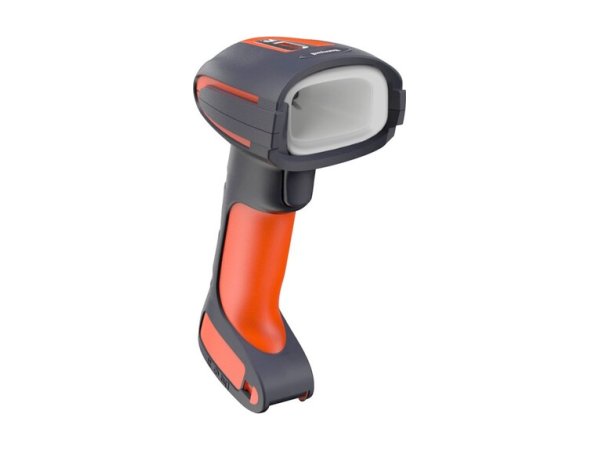
Granit 1920i
- DPM mark not read
- Incorrect characters (AZERTY)
- No COM port (USB Serial)
-
Handheld scanner

Granit 1980i / 1981i
- 3 beeps (1981i)
- Flashing green light on the base
- Long-distance laser scanning
-
Handheld scanner

Granit Ultra 2100i / 2105i
- 3 beeps when scanning
- Status light flashing red
- Battery light flashing red
-
Handheld scanner
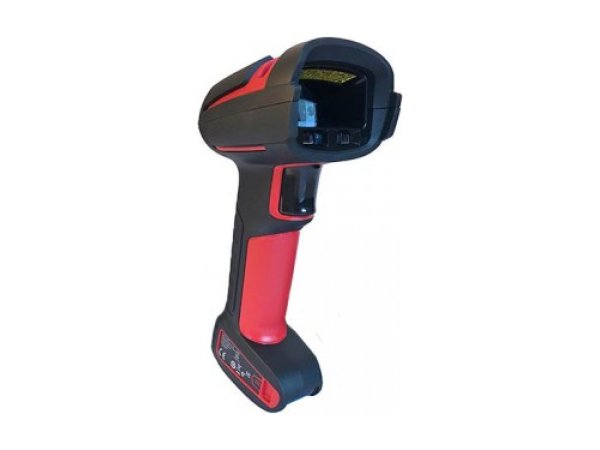
Granit XP 1990i / 1991i
- 3 beeps when scanning
- Green base light flashing
- Incorrect characters (AZERTY)
Honeywell fixed-mount scanners 1 model
-
Fixed-mount scanner
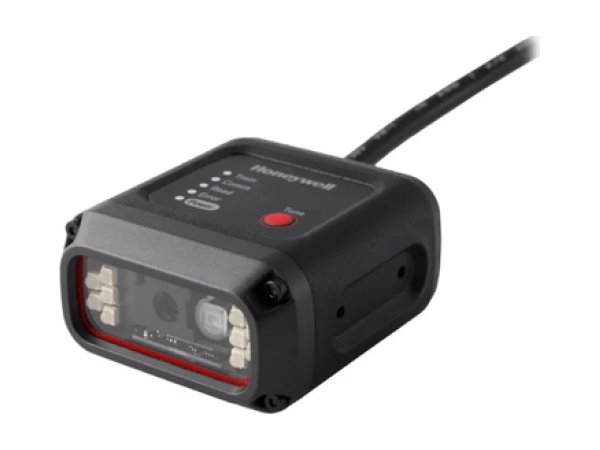
HF800
- No scanning in low light
- Barcode outside the scanning range
- No data over Ethernet
Honeywell mobile computers 6 models
-
Mobile computer
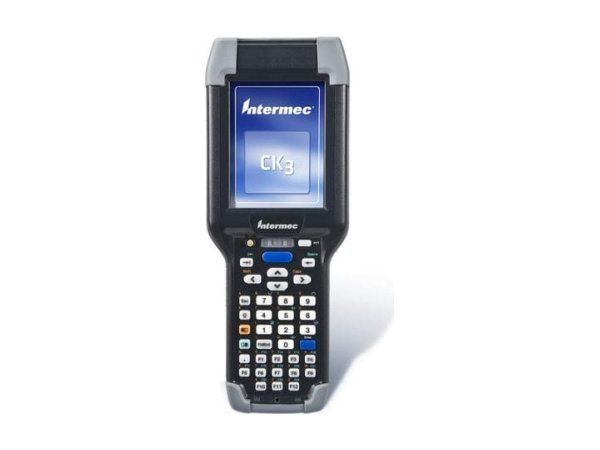
CK3R and CK3X
- Amber battery light
- Flashing blue light
- Good Read flashing red
-
Mobile computer
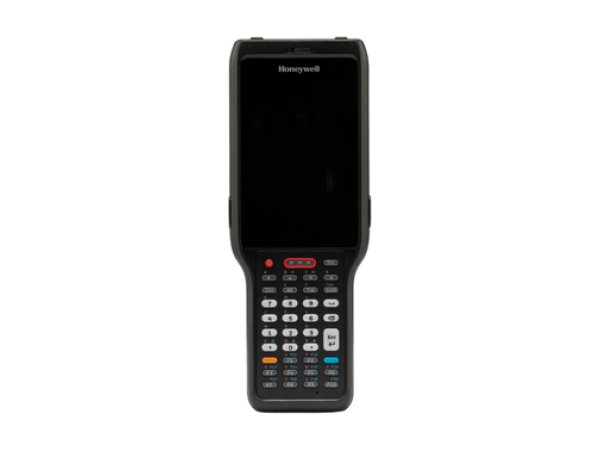
CK62
- Red cradle light
- 5-hour charge
- Battery swap in 30 seconds
-
Mobile computer
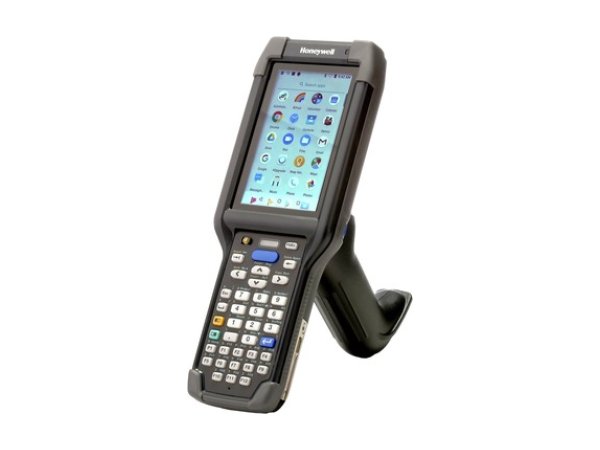
CK65
- Battery light flashing red
- Red scan light
- Swap Battery
-
Mobile computer
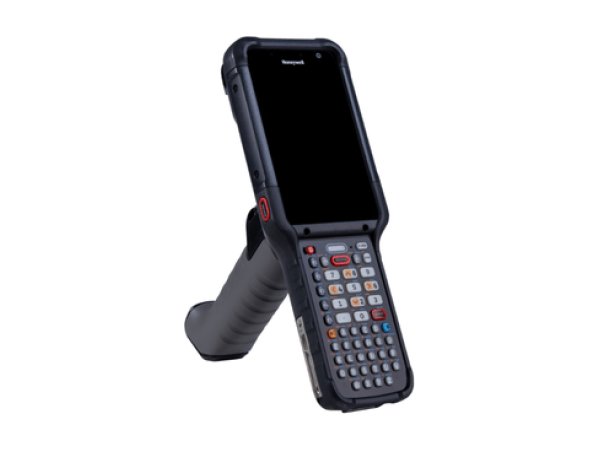
CK67
- Red cradle light
- Battery swap in 60 seconds
- 3-hour charge
-
Mobile computer
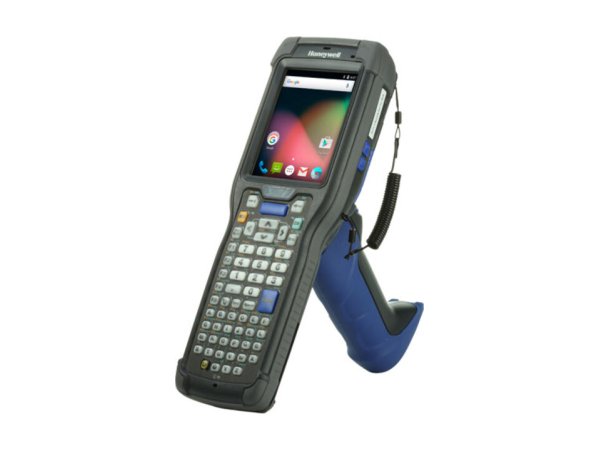
CK75
- Frozen screen: Power 8 s
- Battery Swap
- USB charging only
-
Mobile computer
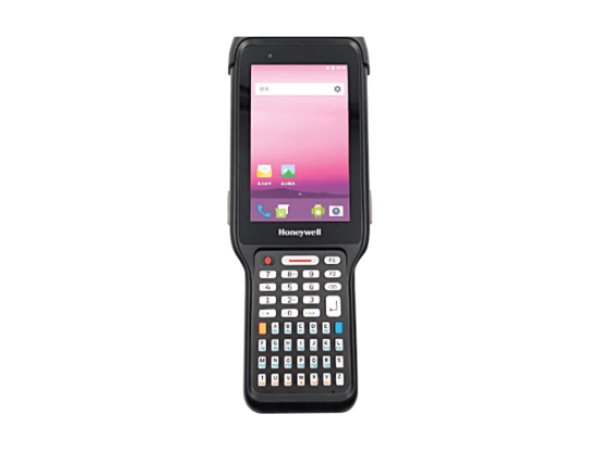
ScanPal EDA61K
- Battery light flashing amber
- Red scan light
- Erase all data (factory reset)
Honeywell beeps, lights and messages: meaning and first action
The signals below are described in the documentation for several Honeywell models. The detailed entry for each model gives the exact procedure.
| Signal | Meaning | What to do first | Models |
|---|---|---|---|
| 3 beeps when scanning 1 beep: handheld scanner linked | Cordless handheld scanner not linked to its base. | Connect the base to the mains and to the computer, then place the handheld scanner on it. | |
| Status light flashing red after a programming barcode: change rejected | Communication failure with the base. | Check that the scanner is linked to its base and within range, and that the base is connected to the computer. | |
| Base green light flashing | Handheld scanner battery charging: normal operation. | Leave the handheld scanner on the base. | |
| Red scan light Good Read flashing red (CK3R, CK3X); on the EDA61K, only if bad read notification is enabled | Read failure: the barcode was not decoded. | Check that the symbology is enabled, then aim at a slight angle. | |
| Battery light flashing orange mobile computer not plugged in | Battery below 15%. | Place the mobile computer on its charging base or replace the battery. | |
| Battery light flashing red | Battery error on the CK65 and ScanPal EDA61K (factory setting of the light); very low battery on the CK3R and CK3X. | Install another battery, or put the mobile computer on charge. | |
| Amber battery light | Battery error: missing, faulty or outside the charging temperature range. | Bring the mobile computer back to room temperature and reinstall the battery. | |
| Red cradle light | Charging fault, for example overheating. | Place the cradle within its operating range and check its Honeywell power supply unit. | |
| Ready-to-Work flashing blue | The terminal emulator is running, but is not connected to the host. | Check the Wi-Fi connection and the host. | |
| Orange or green key light | Modifier key active or locked. | Press the same key again. |
Signals found in the Honeywell documentation. The entry for each model gives the full procedure and its sources.
No signal? The most common symptoms on Honeywell scanners and mobile computers
These guides cover one symptom across all brands; the Honeywell models concerned are shown on each card.
-
Why has my barcode scanner stopped reading barcodes?
In the manufacturers' documentation, three causes keep coming up: the barcode type (symbology) is not enabled, the reading distance or angle is not right, or the scan window is dirty. Test first with a barcode of the same type in good condition.
- Granit 1920i
- Granit 1980i / 1981i
- Granit Ultra 2100i / 2105i
- Granit XP 1990i / 1991i
- HF800
- CK3R and CK3X
- CK62
- CK65
- CK67
- CK75
- ScanPal EDA61K
-
Why is my barcode scanner sending the wrong characters?
In keyboard emulation, many scanners leave the factory set to the American (US) keyboard. On an AZERTY host computer, digits turn into accented letters or symbols: program the keyboard country “France” on the scanner.
Read the full guide -
Why does my scanner beep but nothing appears?
The barcode is read, but the data does not reach the application: interface programmed incorrectly (USB keyboard or virtual serial port), link with the base broken, or, on a mobile computer, keyboard input (wedge) disabled.
- Granit 1920i
- Granit 1980i / 1981i
- Granit Ultra 2100i / 2105i
- Granit XP 1990i / 1991i
- HF800
- CK65
- ScanPal EDA61K
-
What do the error beeps and red light on my scanner mean?
Each manufacturer has its own signals: four long low beeps indicate a transmission error on a Zebra DS3600, three beeps when scanning indicate a cordless Honeywell Granit handheld scanner that is not linked to its base. Note the exact signal, then check the table for your model.
Read the full guide -
Why is my cordless scanner no longer communicating with its base?
The scanner is not paired, or no longer paired, with its base, the base is not powered or not connected to the host computer, or the scanner is out of range. Depending on the model, you pair it again by placing the scanner on its base or by scanning the base's pairing barcode.
- Granit 1980i / 1981i
- Granit Ultra 2100i / 2105i
- Granit XP 1990i / 1991i
- CK3R and CK3X
- CK65
- ScanPal EDA61K
-
Why is the battery in my scanner or mobile computer not charging?
Manufacturers first cite a temperature outside the charging range (most often 0 to 40 °C or 0 to 45 °C, but 0 to 35 °C or 5 to 35 °C on some models), then a battery at the end of its life or not approved, or a faulty cradle or power supply. The charging light often shows which case applies.
- Granit 1980i / 1981i
- Granit Ultra 2100i / 2105i
- Granit XP 1990i / 1991i
- CK3R and CK3X
- CK62
- CK65
- CK67
- CK75
- ScanPal EDA61K
-
How do I reset a barcode scanner or mobile computer?
A handheld scanner returns to its factory settings when you scan the reset barcode in its guide; a mobile computer is reset from its settings or its recovery menu. A factory reset of a mobile computer erases its data.
- Granit 1920i
- Granit 1980i / 1981i
- Granit Ultra 2100i / 2105i
- Granit XP 1990i / 1991i
- CK3R and CK3X
- CK62
- CK65
- CK67
- CK75
- ScanPal EDA61K
-
Why has the scanner on my mobile computer stopped reading?
On a mobile computer, scanning goes through a manufacturer application (DataWedge on Zebra, ReaderConfig on CipherLab, Datalogic Settings…): a disabled scanner or a symbology that is not enabled explains many cases. Test in the manufacturer's test application.
Read the full guide -
Why is my mobile computer losing Wi-Fi?
The guides cite bands or security that the mobile computer does not support, unsuitable roaming settings, Wi-Fi power saving mode and captive portal detection. First compare your access points with the mobile computer's data sheet.
Read the full guide -
Why won't my mobile computer turn on?
The most documented case is a battery that is too deeply discharged: several mobile computers refuse to start until it has recharged enough. Leave the mobile computer on its cradle for several hours; if it stays frozen, a forced restart specific to the model brings it back.
Read the full guide
Three checks before calling a technician
They cover the checks most often cited in the documentation for Honeywell models.
- Is the barcode type enabled?Not all symbologies are enabled at the factory: check the one for your barcode in the settings of the scanner or of the scanning application.
- Do the interface and keyboard country match the host computer?Keyboard emulation or virtual serial port, country “France” for an AZERTY host computer: the two settings to check first when the data arrives incorrectly.
- Are the link and the battery in good order?Scanner paired with its base, base powered, battery charged within the temperature range given in the guide.
The most common faults on Honeywell scanners and mobile computers
Breakdown of the 223 documented problems by category. Connection (43) and battery and charging (43) come first.
Maintenance and repair of Honeywell scanners and mobile computers
When a problem persists after an adjustment, a recharge or a reset, or when Honeywell refers you to support, TIMCOD teams take over: hotline, repair, express exchange and preventive maintenance contracts.
Maintenance contract
Preventive maintenance (battery replacement, Wi-Fi audit, device checks, detailed report) and corrective maintenance (phone support, repair, express exchange). Essentiel, Confort or Premium plans.
See the contractsRepair request
Honeywell scanner or mobile computer out of order? Give the model and the problem in the repair request form (in French) and our team will get back to you.
Request a repairQuote or out-of-contract service
Device bought elsewhere, a fleet to bring up to date or a contract to set up: describe what you need and our team will get back to you.
Contact us
Also at TIMCOD (in French)
Honeywell scanners and mobile computers: frequently asked questions
Why does my Honeywell Granit handheld scanner beep three times?
On the Granit 1981i, 1991i and 2105i, three beeps when scanning a barcode mean that the handheld scanner is not linked to its base. Place it on the base, connected and powered: a single beep at the next scan confirms the link. See the guide for your model.
How do I set a Honeywell Granit handheld scanner to AZERTY?
On the Granit 1920i and 1980i/1981i: scan “Program Keyboard Country”, then the digit 3 (France) in the programming chart, then “Save”. On the Granit Ultra and Granit XP, scan the “France” barcode in the “Keyboard Country” section of the quick start guide. The keyboard country is set to the United States by default.
How do I force a Honeywell CK62 or CK65 mobile computer to restart?
Hold the Power button for about 8 seconds: the mobile computer restarts, even if the touchscreen no longer responds. If the display responds, use the normal restart instead: hold Power until the menu appears, then Restart.
Sources consulted
The official Honeywell documents most cited in this brand's guides. Each model guide lists all its documents.
- Model Overview – CK65 Series Mobile Computer powered by Android User Guide (CK65-A-EN-UG-01) (opens in a new window) official
- Quick Start Guide: Granit Ultra 2105i - Turkish (Granit Ultra 2105i Kablosuz Endüstriyel Alan-Görüntüleme Tarayıcısı Hızlı Başlangıç Kılavuzu) – Quick start guide 2105-TR-QS-01 Rev A (official Turkish version) (opens in a new window) official
- Granit XP 1991i Cordless Industrial Area-Imaging Scanner Quick Start Guide – Quick start guide 1991-EN-QS-01 Rev B (opens in a new window) official
- HF800 Fixed-mounting 2D Industrial Reader Data Sheet – HF800 data sheet (Rev B, 02/22) (opens in a new window) official
- CK67 Series powered by Android™ Quick Start Guide – Quick Start Guide: CK67 (CK67-A-EN-QS-01 Rev D) (opens in a new window) official
- CK75 powered by Android 6.0 Quick Start Guide – CK75 Quick Start Guide: Android 6 OS (CK75-A6-EN-QS Rev A) (opens in a new window) official
- Granit Ultra 2105i Datasheet – Granit Ultra 2105i data sheet (Rev C, 02/26) (opens in a new window) official
- CK62 Series Mobile Computer powered by Android™ Quick Start Guide – Quick Start Guide CK62 (CK62-A-EN-QS-01 Rev B) (opens in a new window) official
Need a more reliable fleet of Honeywell scanners or mobile computers?
During a preventive visit, your scanners and mobile computers are checked and cleaned one by one, minor faults are fixed and you receive a report; removable batteries are replaced every 18 to 24 months.
Explore maintenance contracts Request a quote